
Cast to TV, Chromecast & Roku
- Updated
- Version 2.4.5
- Requirements Android 7.1+
- Genre Apps / Video Players & Editors
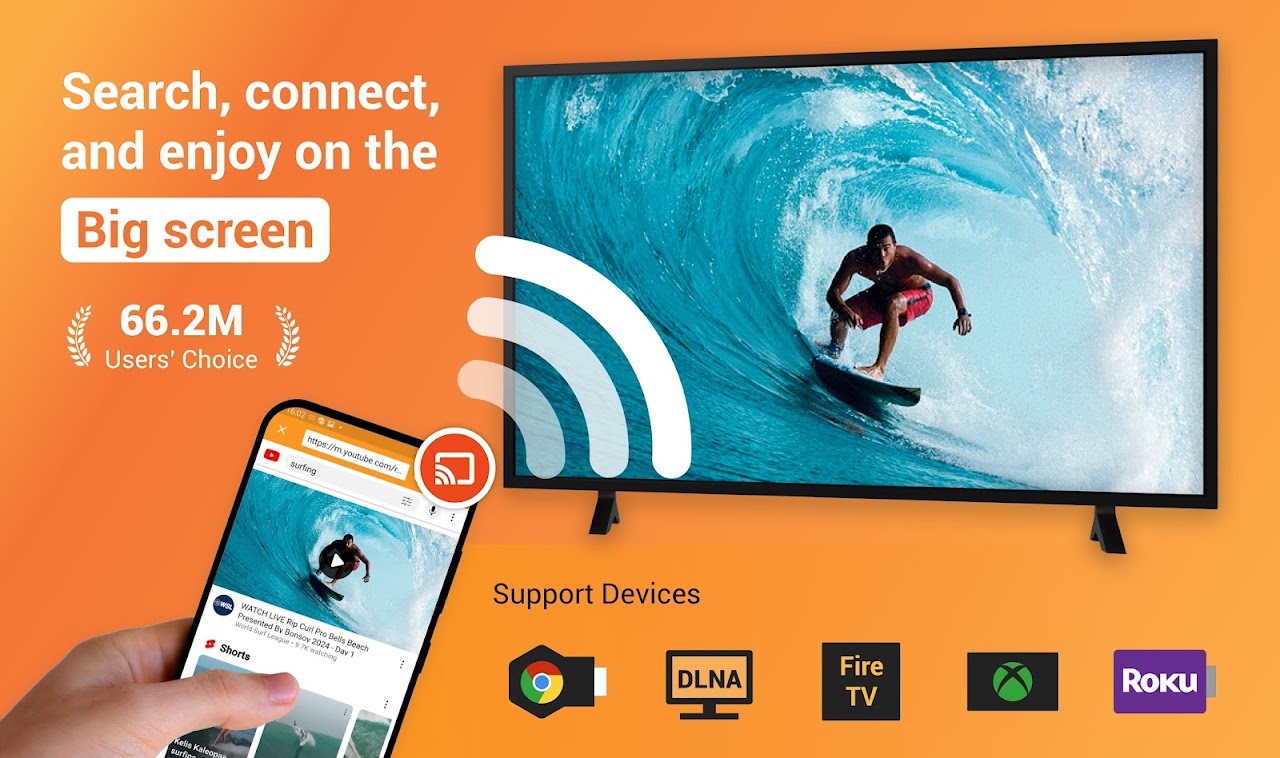
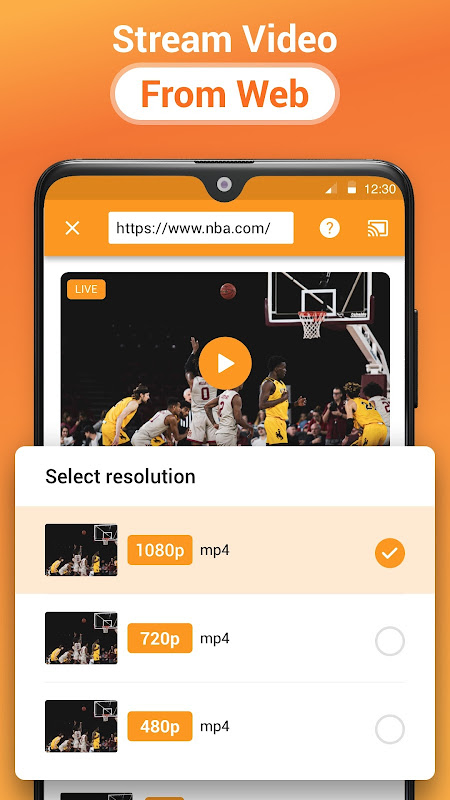
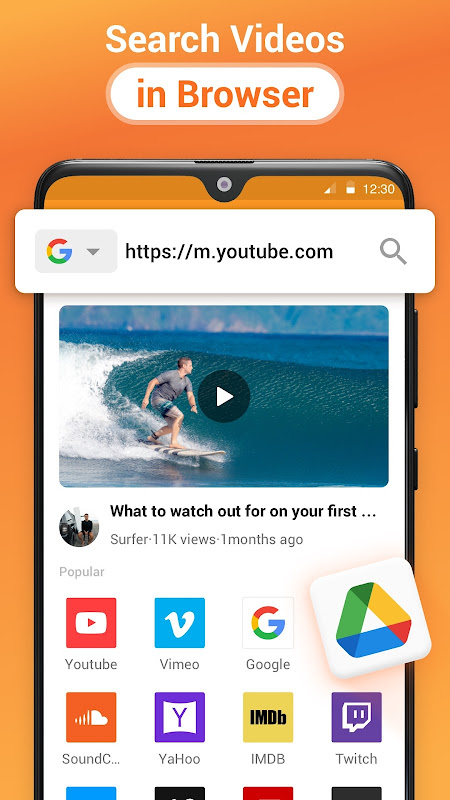
Cast to TV, Chromecast & Roku for Android provides the universal solution.
You see a video on your phone, but want to watch it on the big screen. Use this app to send content to your TV without fumbling around with cables or mirroring your whole display. You can use your phone for other things too.
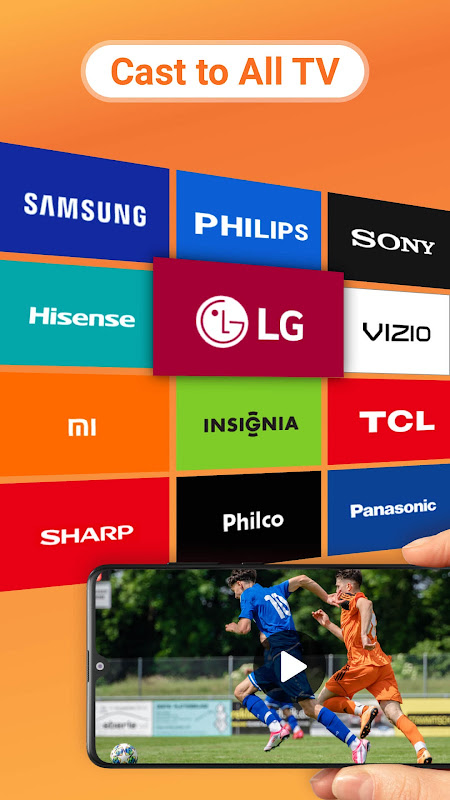
The app is compatible with 30+ devices, including Google Chromecast, Roku, Amazon Fire Stick, Xbox gaming consoles, Samsung smart TVs, LG smart TVs, Sony smart TVs and many more. It works with your Wi-Fi network. It will find devices that are compatible and connect to them in a few seconds.
Cast any online video instantly.
The built-in browser transforms how you discover content. You just have to open the YouTube, Facebook, Vimeo, Spotify, or SoundCloud. The app can auto-detect the media for you so no need to copy any links. This movie streaming app takes videos from all major platforms and sends them straight to your television set.
The phrase Live stream casting works fine for IPTV channels and live streams. The system provides up to 1080p multi-resolution playback, adjusting quality according to network strength. You can keep a record of everything youve watched with video history and bookmarks, so you can always resume watching exactly where you left off.
Streaming sites have their ads removed before they are displayed on TV. Ad Blocker Plus and Popup Blocker remove distractions normally found on the web browser from streaming sites. To save battery power, your phones screen can lock while your stream continues playing.
Stream local media without hassle.
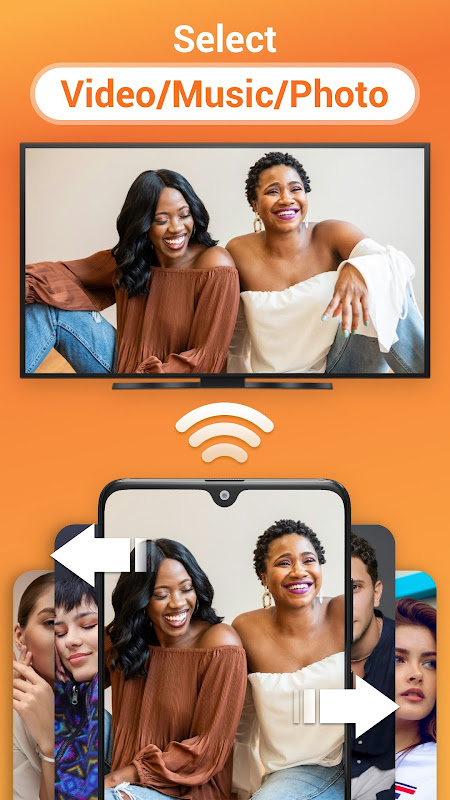
Phone to TV casting can come from more than just the Internet. The app streams your devices videos, images and music to any compatible device. You can use the DLNA streaming feature to view your media, holiday pictures or downloads
The IPTV Player can be operated through custom playlists and channel lists with further expanding capabilities for users of IPTV services to manage their own streams. The compatibility of the format will depend on your receiving device as smart TV handles codecs better than a basic Chromecast.
If your television supports DLNA or other hardware protocols, no additional hardware is required for Smart TV streaming. The app detects available endpoints and presents connection options clearly.
Control playback and block ads.
With the remote, you can control volume, playback position, and stream quality without your TV remote. Control the action from your phone and make adjustments to playback, settings, and progress.
Users get full functional access without any payment. You do not have to pay for any of the casting tools and features, device and browser support. The Pro version is only to remove ads. You can stream as much as you want.
**5 Quick Pro Tips:**.
- First, check the stability of Wi-Fi to which the mobile and TV are connected. Mobile and TV must be in the same Wi-Fi network for detection and smooth playback.
- Before you transfer large files, always check that a test format works. Some devices may not support this codec.
- First, activate the ad blocker before opening streaming sites. This way you will not get any unpleasant popups and tracking malicious scripts.
- Save your favorite channels or video sites so you can access them later without having to enter the URL again.
- When youll be casting for a while, lock your screen to save battery while remaining connected.
The quality of the network matters more than anything else for performance. Older devices may find casting challenging and not all devices on the extensive list may be compatible.

No comments yet :(