
Suwy: notepad, notebook & memo
- Updated
- Version 1.7.3
- Requirements Android 4.0.3 - 4.0.4+
- Genre Apps / Productivity
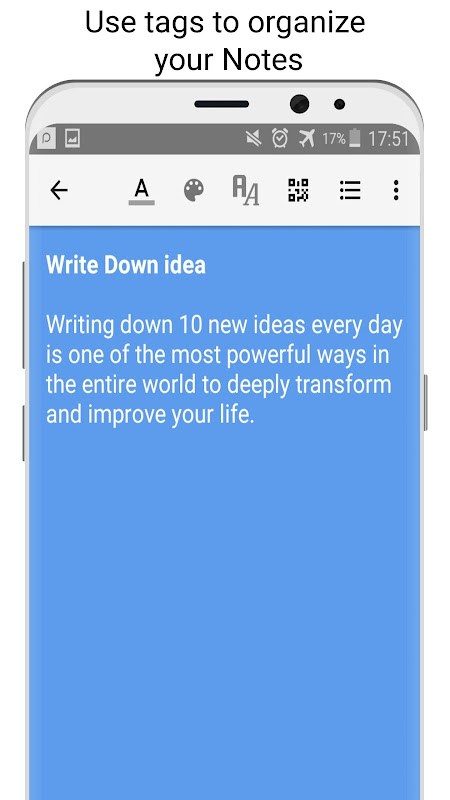
Hidden tools: Barcode reader and generator.
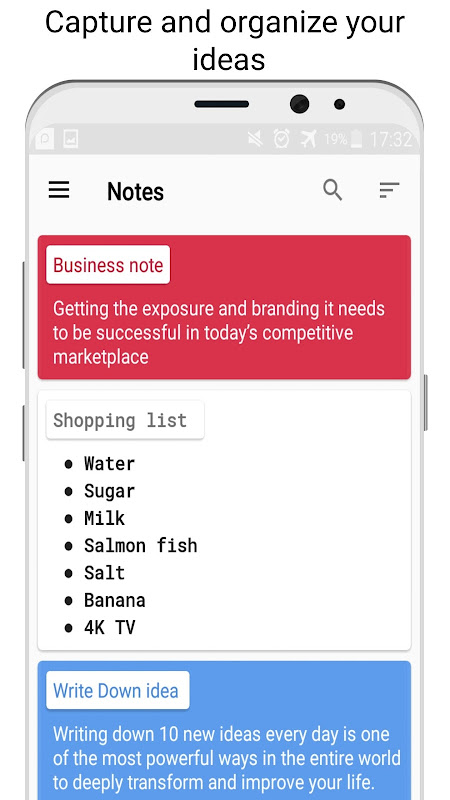
Suwy: a notepad, notebook & memo for Android that will let you write your notes quickly and easily without the need for any internet connectivity or signing up with an account. The offline notepad app removes the complexity from the cloud in order to get straight to the point: quickly capturing and organizing little memos via colored tags. This is for anyone that doesn’t want any syncing features. They just want to get little notes down quickly.
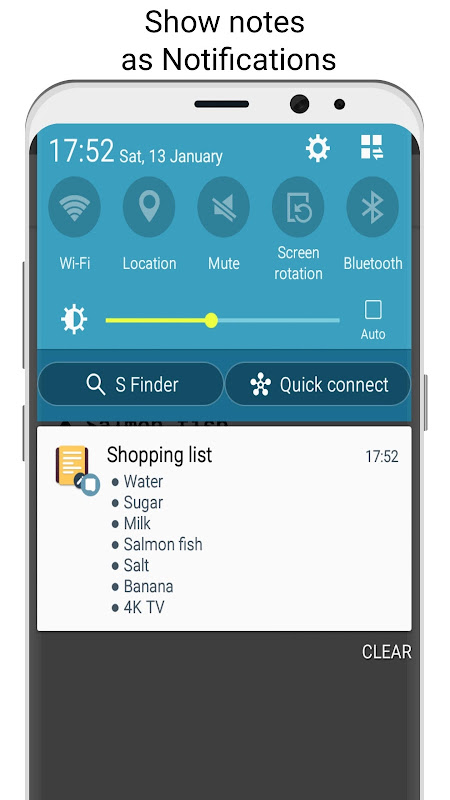
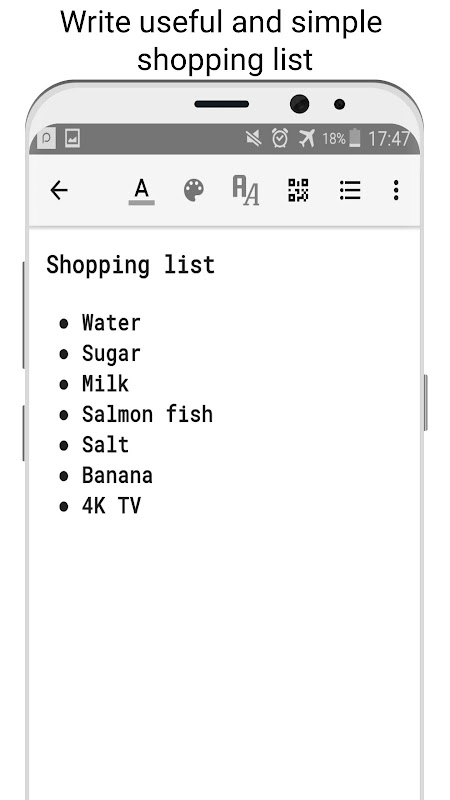
The app works as a shopping list maker and memo tool that is entirely at work on your device. No WiFi. No sign-in screens. No waiting for sync to complete. The notes are local and only available to you. You don’t need an internet connection, just open the app and start typing!
Suwy has barcode features that are surprisingly useful. With built-in QR Code / Barcode Generator, create QR codes directly from your notes to share information quickly! You can also use the QR Code / Barcode Reader to scan QR codes and barcodes of products and save the information in your memo. This makes the app a great choice for tracking your inventory, creating shopping lists, or keeping track of your private collection. Plus, you do not need more scanner apps.
Clipboard manager: Paste smarter, edit faster.
The barcode feature works seamlessly with the note organization by color. You can assign colors to products or projects, scan them, and then tag them to the barcode. With the help of this combination, searching for saved notes will be easy for you.
Suwy makes it easier to copy text from other apps. Take anything from your browser, a message, or an email and paste it onto Suwy with immediate formatting options. The clipboard manager remembers your most recently copied text so you can paste that text without switching apps.
This quick memo capture process eliminates note-taking friction. Spot something worth saving? Simply copy it and open Suwy and the text is ready for organization and tagging within seconds. The memo organizer is easy to find, with all the likely workplace anxiety events coded into color categories.
Make notes pop with color and fonts.
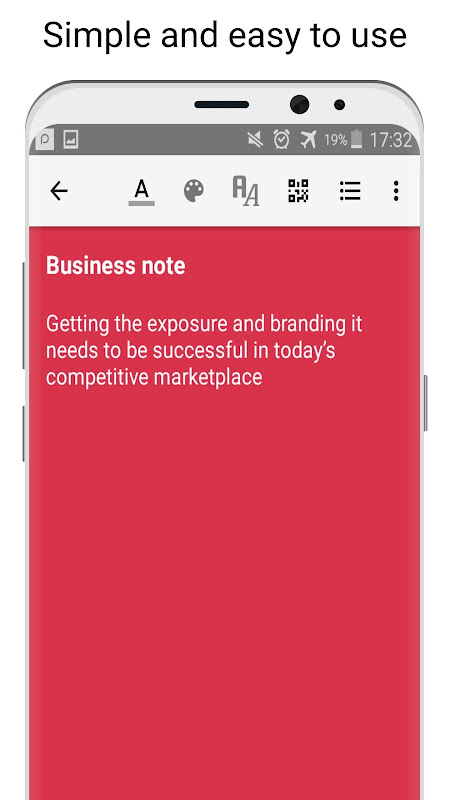
You can do more than simple formatting in this no sync notebook app. You can use different colors on different texts inside a single note. You can pick any color to highlight the text or note which you find useful. When the price is one color, the item another, and the store a third, the shopping list is scannable at a glance.
By using the colored text, we are creating two layers. Mark complete notes for a project or category, then use text colors to highlight priority levels or action items within each note. The search feature locates keywords instantly, while the visual system allows browsing via recognition instead of memory.
5 Hidden Tricks:
• Use barcode scanning along with colored tags to help in creating product catalogue.
• Use a clipboard manager to save multiple things from the web at once without switching apps.
• Use different colors for text to create priority levels in your list of tasks.
• Create QR codes from notes to share information without typing.
• Organize notes by tag for easy location-based retrieval.
Suwy gives high-end cloud features the nudge for simplicity and speed. It is perfect for someone looking for a simple note-taking app that does not require connectivity to work or a pesky account management overhead.





No comments yet :(