

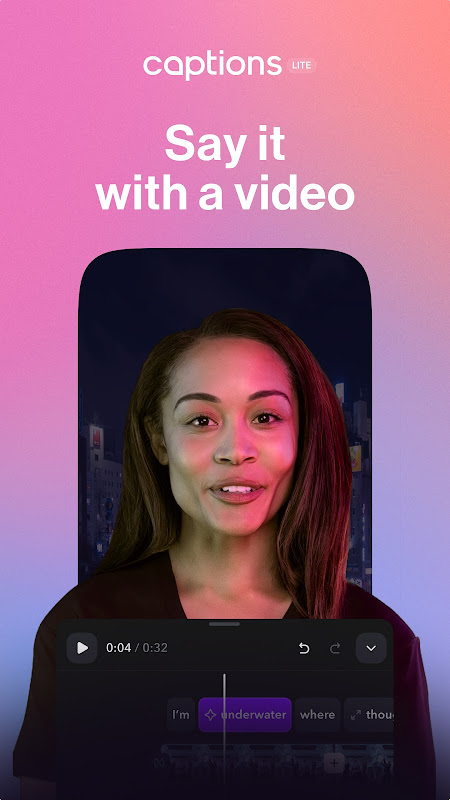
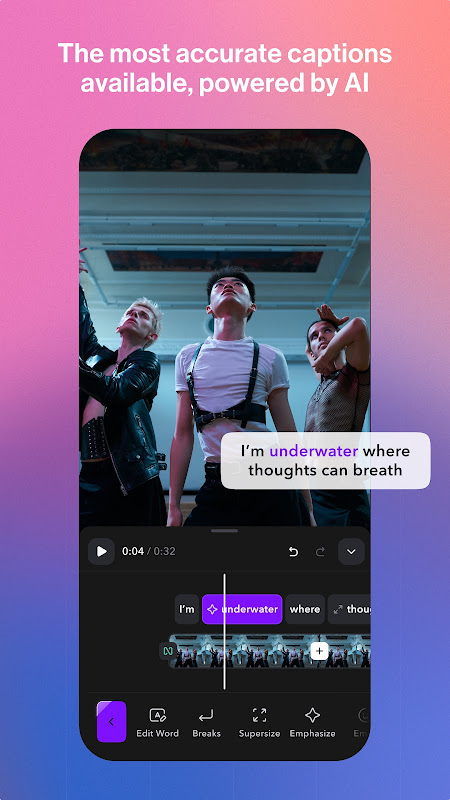

With Captions Lite for Android, you can polish your talking-head footage in a few minutes. The AI video editor created by MIRAGE aids in the completion of boring manual jobs including transcribing, timing and formatting. As a result, creators can easily record vertical videos and send them to TikTok, Reels, or Shorts.
The process is simple. You shoot or import a clip, the app transcribes your speech, you pick caption styles, add eye contact correction and other AI enhancements, like zoom punches, sound effects or noise reduction, and export in the correct aspect ratio. For solo entrepreneurs, small business owners and social creators who lack editing skills or don’t have the time, an easier-to-learn alternative to mainstream editors with a steeper learning curve.
Auto-captions in 100+ languages.
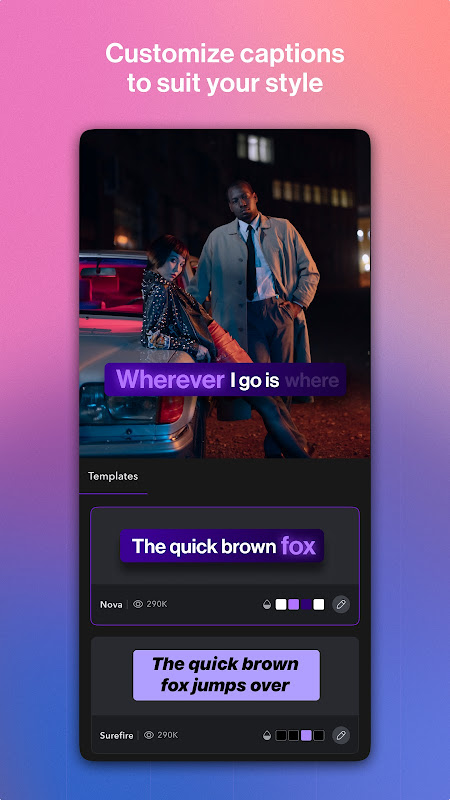
Captions Lite leans hard on AI transcription. The app supports dozens of languages including English, Spanish, French, Japanese and more and auto-generates synchronized subtitles. You can change the font, colours, position, etc., to match brand guidelines or trends. These automatic subtitles for social media will give your audience the ability to still enjoy your video without sound. If they are in a loud place, they can still follow along; if they are scrolling through their feed and the sound is off, your subtitles will enhance the watch-through rate and accessibility of your video.
With the app, you can reach global audiences. For instance, just tap and translate your voiceover into a different language and dub, no need to re-record. Captions Lite is more than a subtitle overlay, but a full localization layer in your pocket.
Fast word-by-word caption animations.
Gone are static subtitles; now we have word-by-word animations. Captions Lite provides templates for a talking head video editor for your video, which highlights each word as you speak, similar to the punchy styles that dominate short-form feeds, for example, TikTok, YouTube Shorts, Instagram Reels. The app’s library of templates allows you to pick and choose trending captions layouts without manually keyframing.
People say it’s not clear how to control how many words show at once. Plus, the Lite version ships with fewer style presets than the Captions suite. Advanced creators may quickly reach a limit and need to upgrade for wider access to templates and higher volume processing. There are times when the AI models do unexpected things such as rephrasing topics or censoring text, which makes it harder for sophisticated scripts and removes details or stops mentioning regulated topics.
Instant AI dubbing and denoise.
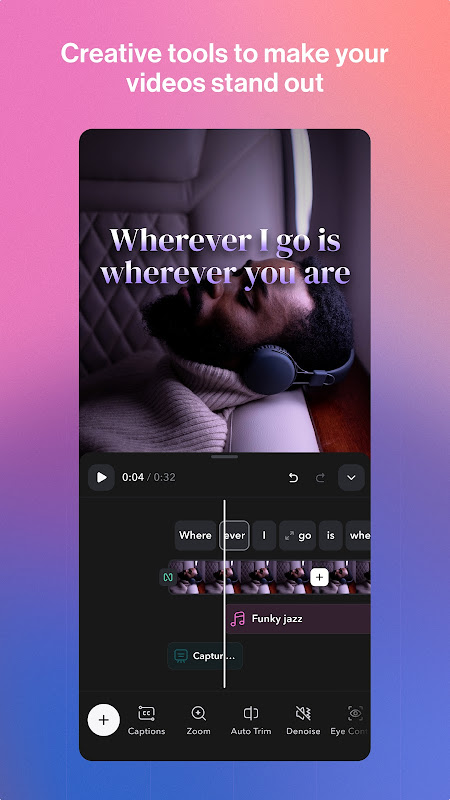
Captions Lite has AI tools that used to need separate apps, beyond captions. Using AI, your gaze will be corrected so that it looks more engaging. AI zoom adds automatic punch-ins for visual interest. Context-aware audio cues are dropped into your edit with AI sound effects, and background noise removal for video cleans up hiss, traffic, or room echo. This is critical for shoots done solo with no professional mics.
The app has a built-in teleprompter and AI script writer for preproduction so you can generate the talking points, read them on-screen while filming, and let the … do the post production. This all-in-one strategy is appealing for creators that struggle with scripting or on-camera.
5 Quick Wins.
- Translate speech into 100+ languages without re-recording speech, with Multilingual video dubbing.
- Word-by-word animated dynamic caption creation for TikTok Reels Shorts caption app workflows.
- Adjusts itself to different screen sizes and proportions in one tap.
- We ensure clean audio and added production value through AI denoise and sound effects.
- A library of templates for contemporary-looking captions to make your posts stand out on social media.
The freemium model blocks major feature and high usage behind paid plans or a credit pack. We have also received wider Captions AI comments on glitches, delays and limited editorial control over AI rewrites. Users who prefer cross-platform may feel that the mobile-first experience is clunky compared to its desktop alternative. Agencies or brands looking for volume – check the caps before you buy!
Get Captions Lite to automatically create multilingual video dubbing, fix audio and add catchy animations and publish social-ready videos in minutes. If you record yourself talking to camera and want a mobile-first shortcut to accessible video content with closed captions, it promises speed and ease of use – just be prepared to upgrade for bigger template libraries and heavier workloads.






No comments yet :(