

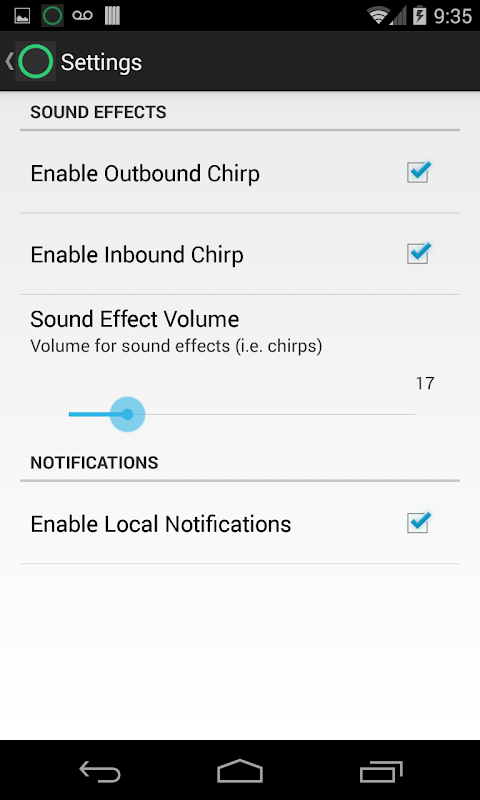
Instant push-to-talk, no setup.
The Two Way : Walkie Talkie For Android application enables your phone to instantly become a walkie-talkie. Users can easily talk to one another without signing up for an account and no telephone number or personal information will be divulged. It’s a simple privacy‑focused app that doesn’t rely on gimmicks.
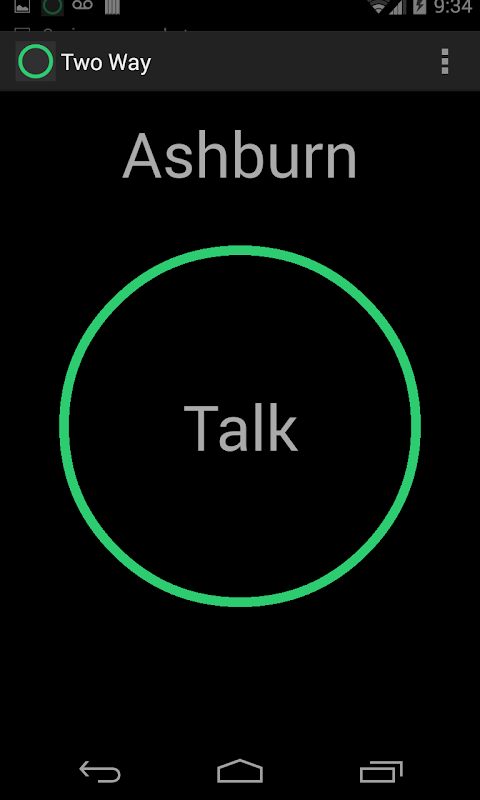
Application that functions like a two-way radio device. Just press the button, talk, and everyone on your channel receives your voice. You don’t have to register, verify your email or create a profile! Download it, pick a frequency, and you’re ready to talk.
The push-to-talk feature is perfect for performing tasks that need quick coordination and for clumsy types and typing. When you’re organizing a hike with friends, coordinating warehouse work with your team, or managing logistics at an event, the instant voice call is better than a text. It is useful for remote coordination situations where there are multiple people in touch who do not want to use the phone.
User-friendly for outdoor use, the battery and data consumption is significantly less than video chat or streaming apps. You can keep it running during longer shifts or outdoor activities without draining your phone. The walkie-talkie design of the interface ensures that even non-techies can get started.
Pick channels and join privately.
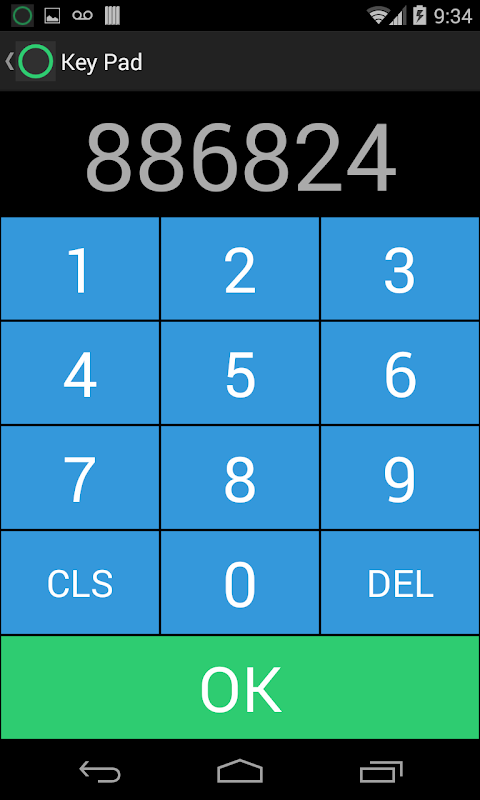
Channel-based communication lets you choose any number in the frequency range to talk. When everyone is on the same channel, group coordination is seamless and communication is easy. Add a personal PIN to your channel to lower the chance of randoms entering your chat.
This method works well for small teams and groups of friends that need their own communication lines. You can make different channels for different things, one for family, one for your work crew, another for festival communication with friends at places where it gets crowded.
The drawback is the app does not lock channels by default, nor will it restart automatically after your phone reboots. You’ll need to manually reopen it and rejoin your channel. Most importantly, all participants need to keep their app open or running in the background to get calls. Don’t rely on background notifications. If you close the app completely, you will miss conversations.
No account, no data collection.
Two Way is a real no-signup app that does not collect your data. No email, no phone number, no location tracking. This means that it is ideal for use in team communications scenarios that require privacy over features.
Users can access this service for free, without any app purchases or subscriptions to paywalled services. You get a clean, working tool for free voice chat; no monetization, just functionality.
The downsides are real: your message history is gone, you can’t verify encryption, and I can’t use accessibility features. Consider using Zello or Voxer for dependable background operation and automatic rejoining to the channel. However, Two Way offers a simple walkie-talkie experience that respects your battery and data if you want one.
5 Quick Tips:
- You should keep the app open in the foreground or background. Closing it means your call will be missed.
- Limit random joiners in your channel by enabling private PIN.
- Pick contention-free channels which are not crowded.
- After your device restarts, manually reopen and rejoin your channel.
- Make sure to test the setup first before you rely on it.
Two Way allows you to enjoy private two-way voice chats in the form of a walkie-talkie, completely free; no sign-up is necessary and it will not use much data or battery consumption – simply download and connect!






No comments yet :(