

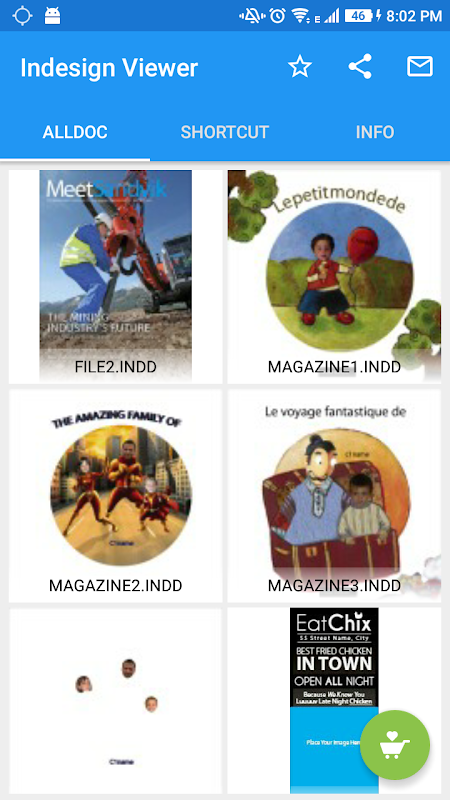
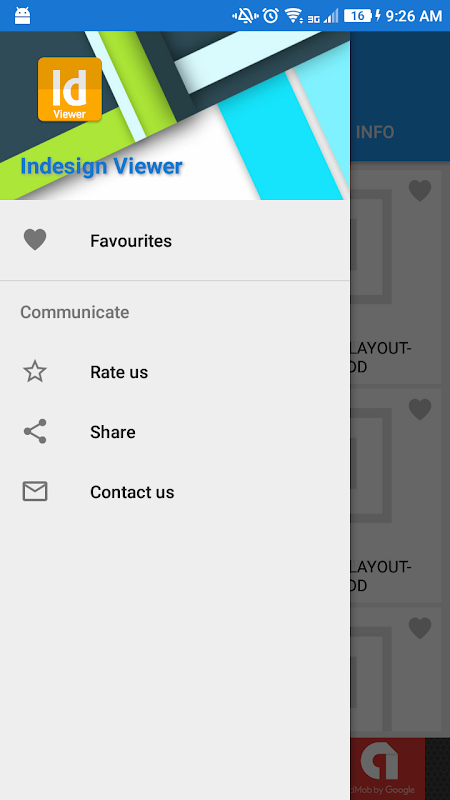
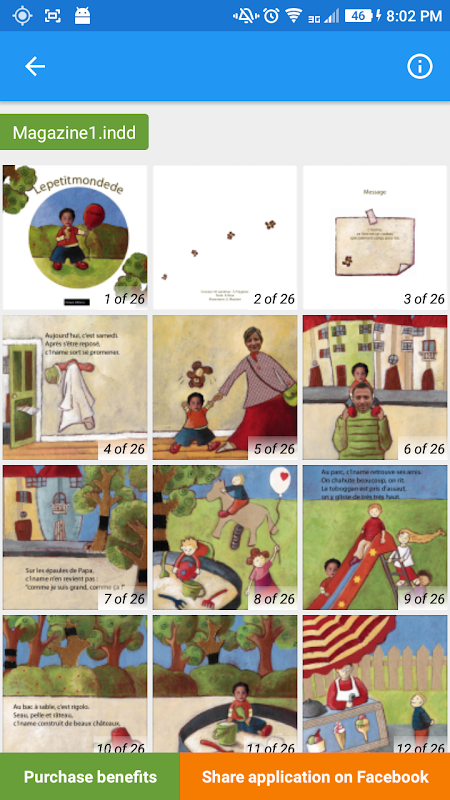
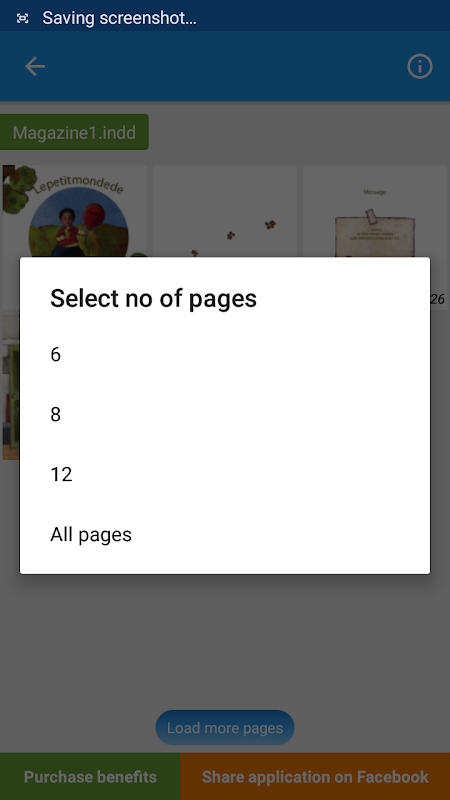
The InDesign Viewer & Shortcuts for Android is a convenient way to check InDesign and InCopy files on mobile. Now you can do that without having a Creative Cloud subscription or desktop computer nearby.
See all pages at a glance.
The application works like an InDesign file reader that lets you view .indd and InCopy documents on your mobile phone. The default view of a file presents you four pages upon opening it. Tap Load more pages to reveal the complete document. The free tier of the app has this extra step which seems unnecessary.
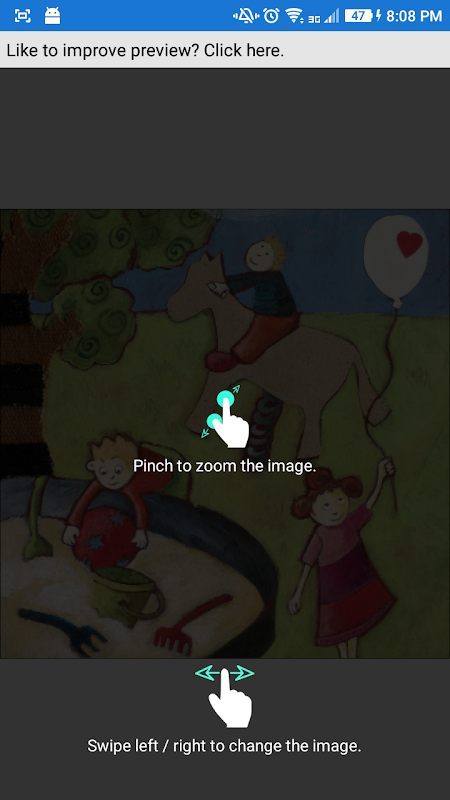
Using your fingers, you are smoothly able to zoom text in and out. When you follow the in-app tips, the preview quality gets better. But complex graphics might still get pixelated from time to time. For a quick approval check or to catch any layout errors during client reviews, the preview functionality takes care of basic requirements without needing Adobe’s mobile apps.
The cloud document preview feature is linked with email attachments, Google Drive, Dropbox, and web URLs. When team members share files remotely, collaboration becomes easier. The app checks through the storage of your device folder-wise in alphabetical order, which is something cumbersome with a hundred design files in many different folders.
Open InDesign files from anywhere.
Being a freemium design app, the app’s business is mainly advertising first. Ads interrupt you whenever you change settings, zoom in or out, or change pages. When advertisements are video, viewing the video first breaks concentration on the review.
The free version requires an internet connection to work, which makes it not a very useful offline document viewer. Get the option to remove ads and use it offline without interruptions, but that makes the free appearing tool a paid tool.
When you share the app on Facebook, it reduces ads when you scroll through the pages. But the full-page ads will still be there in other areas. The monetization takes precedence; the friction they experience might not be acceptable to professional users.
Hidden keyboard shortcuts for Mac and Windows.
The app features a complete database of InDesign shortcuts reference for Windows and Mac, in addition to file viewing. Check out categories such as text formatting, object manipulations, panel controls, and movement shortcuts. As you work on your desktop, you can refer to your phone while using this because hunting through Adobe’s documentation or remembering hundreds of commands is all out of the question.
5 Quick Hidden Tips:.
- Open different .indd files at once through your device’s file browser.
- The file list feature helps to find all InDesign files stored locally.
- After the first load, take shortcuts offline.
- Change the quality of the preview display through the settings before opening large files.
- Share files right from email without needing to download to your device.
Mobile InDesign previewing capabilities are a narrow but legitimate need that the app satisfies. Get this if you are constantly opening design files remotely and do not find aggressive advertising too annoying, or pay to remove it completely.








No comments yet :(