
Mail Orange – Messagerie email

- Updated
- Version 4.5.1.1
- Requirements Android 7.1+
- Genre Apps / Art & Design
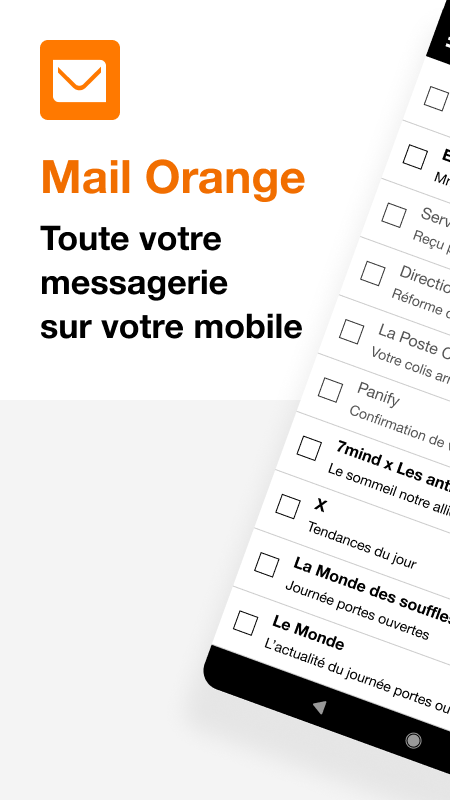
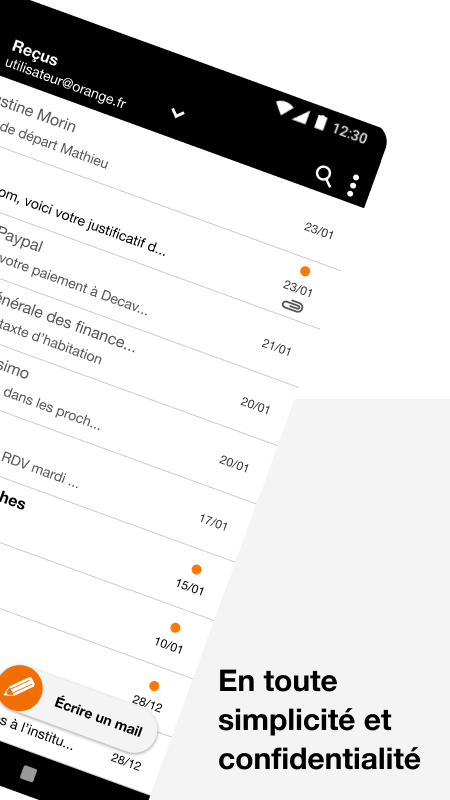
Orange official client is probably an option if you are overwhelmed with emails and switching between devices, but it involves serious reliability compromises.
Not receiving emails? Instantaneous push notifications.
With push notifications in real time, you do not miss any important messages as notifications will be sent when you get new email in your mailbox. The application allows the simultaneous usage of several Orange mailboxes and aliases for smoother navigation between personal and professional emails.
The customer support chat function is certainly interesting for Orange customers, as it allows you to chat directly with a group of advisors without leaving the messaging. Spam protection automatically filters unwanted emails, you can enjoy a secure messaging environment with your privacy.
In France, Orange servers are operational. Which means that emails are private because they are under France regulations. Also, importantly, it is clearly said that Orange does not read your emails. Something that is not generally said clearly by other companies.
Quickly Sync Changes On All Devices
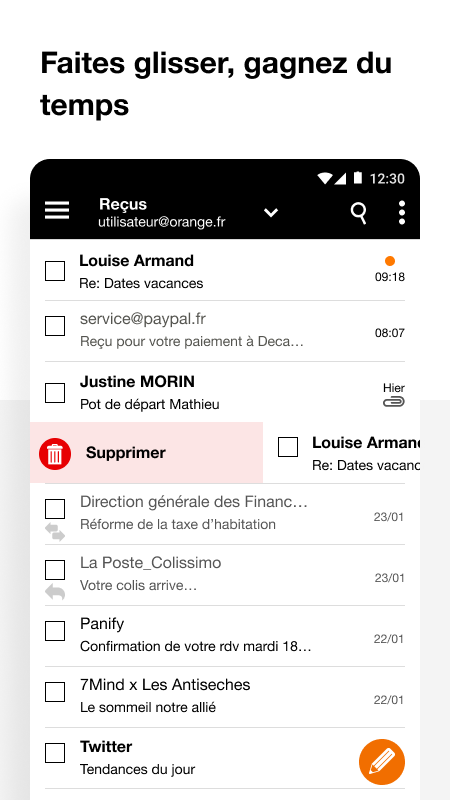
Erasing an email on your phone will instantly erase it from the web interface at orange.fr. When messages are moved to folders, those changes will propagate to every device sharply. When you write a message, your Orange contacts will be auto-filled, and they’ll be enriched automatically when you communicate with them. This is possible because of cross-device sync.
Support for IMAP access enables greater compatibility for power users who want third-party client options but which works better inside Orange’s ecosystem.
Issues arise here: The 3.6 stars from 164,000 reviews paint a grim picture. Following recent updates, users have reported persistent sync failures with the app and notifications continuing to arrive. In terms of features related to email formatting, this service is lacking compared to its competitors and also its email signature creation function is extremely basic. The integration with Microsoft suite is almost non-existent, making it a poor choice if your workflow involves Office documents.
Tools to Organize Your Email Inbox
Five Hidden Techniques
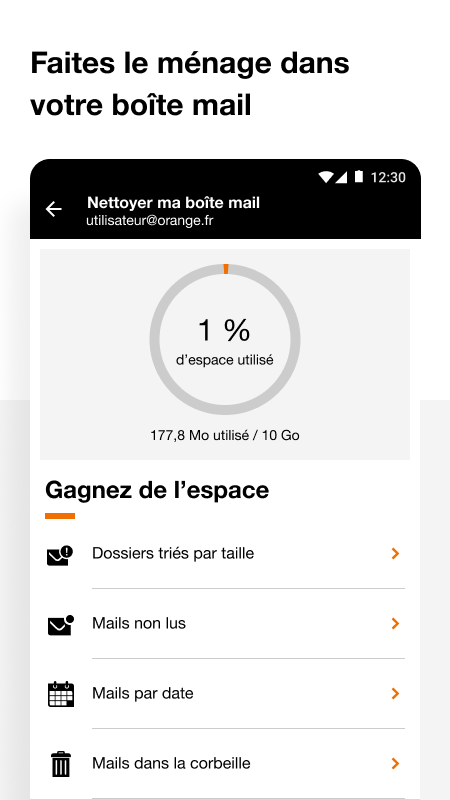
- The advanced folder filters – size, unread, or date – enable you to swiftly isolate attachments that are taking up too much space or urgent messages that require a response.
- With Multi Account Support, you can use multiple Orange aliases with one app, thus reducing clutter when using multiple identities.
- Simultaneous scan across folders to find buried emails instead of manual folder by folder searches.
- The Email sync setting lets you choose how often you want to sync emails to balance battery life with notifications according to your usage patterns.
Download Mail Orange to get notifications, synchronization with all your devices, search functions and the guarantee of privacy. Just understand you are trading universal compatibility and polish for Orange-specific that work great when it works, but fails when sync fails.


No comments yet :(