
4K Video Player All Format – Cast to TV CnXPlayer

- Updated
- Version 3.3.6
- Requirements Android 5.1+
- Genre Apps / Video Players & Editors
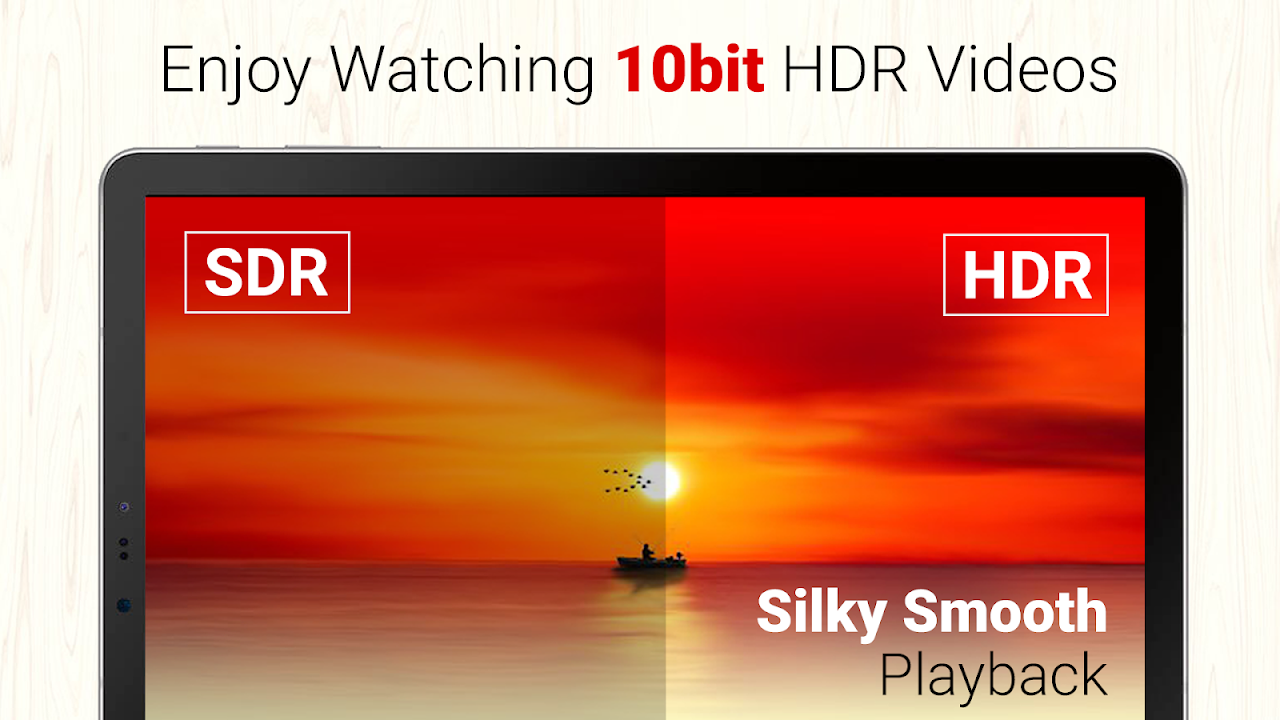
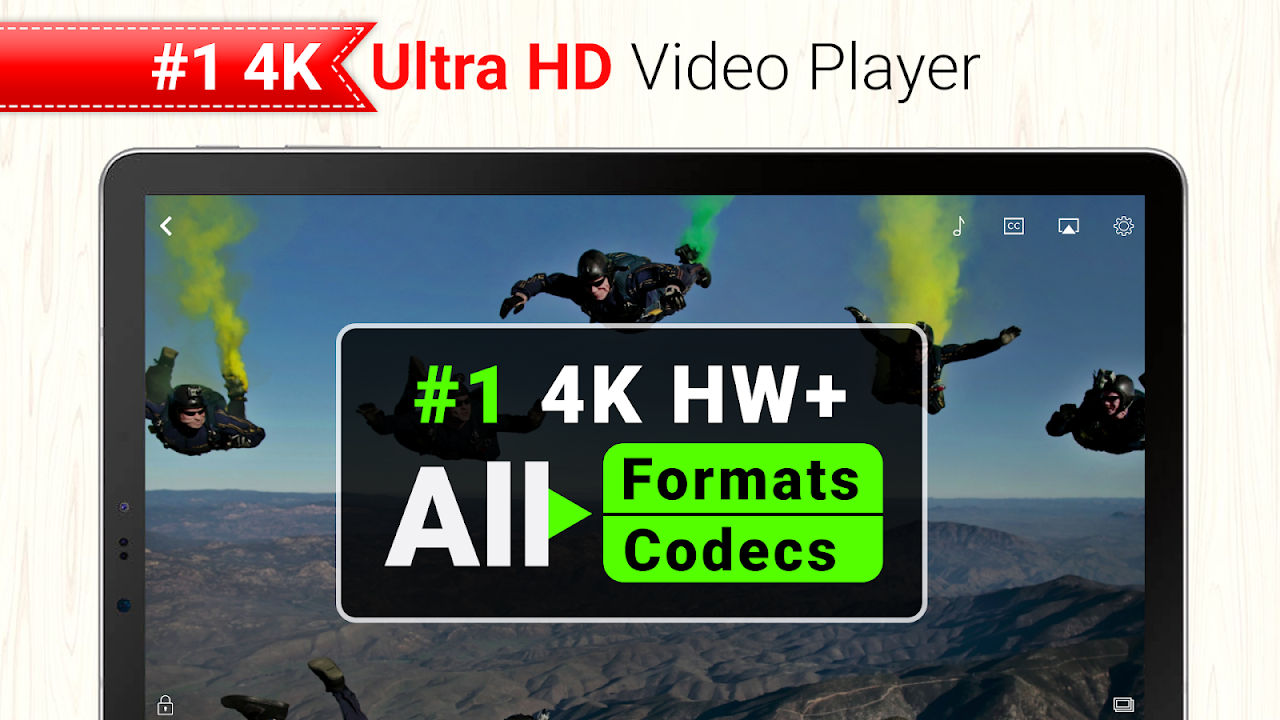
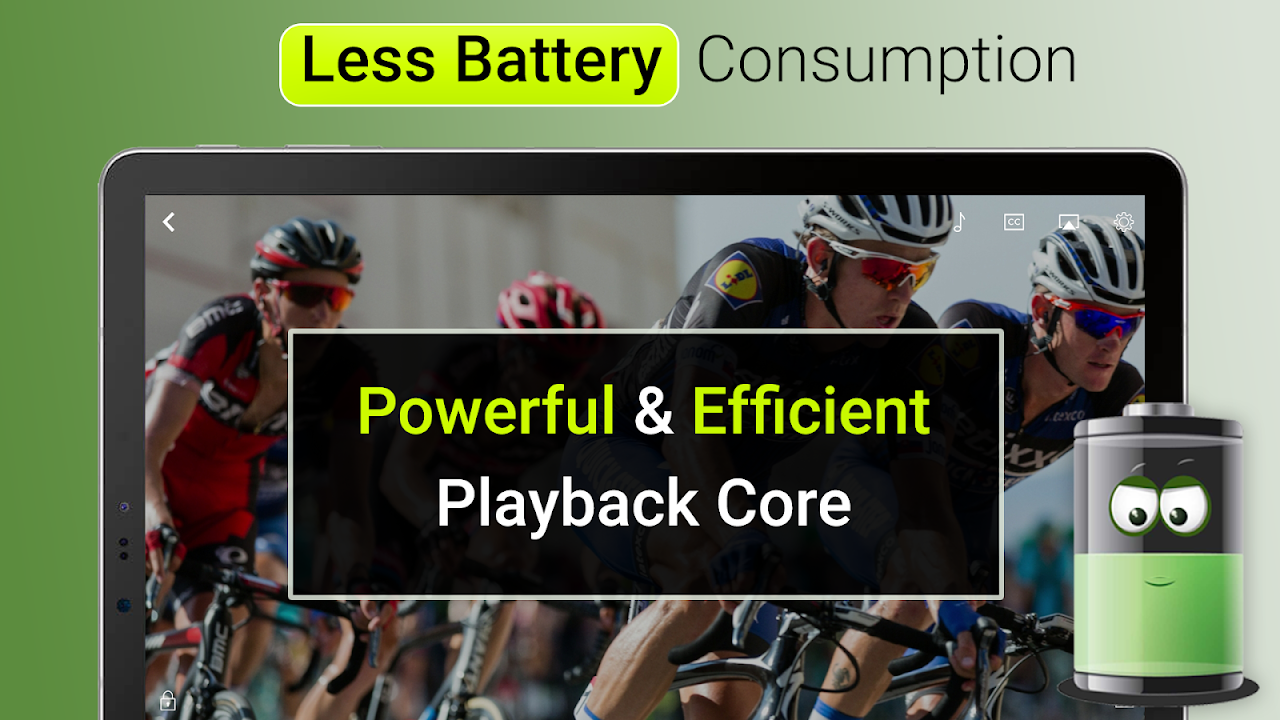
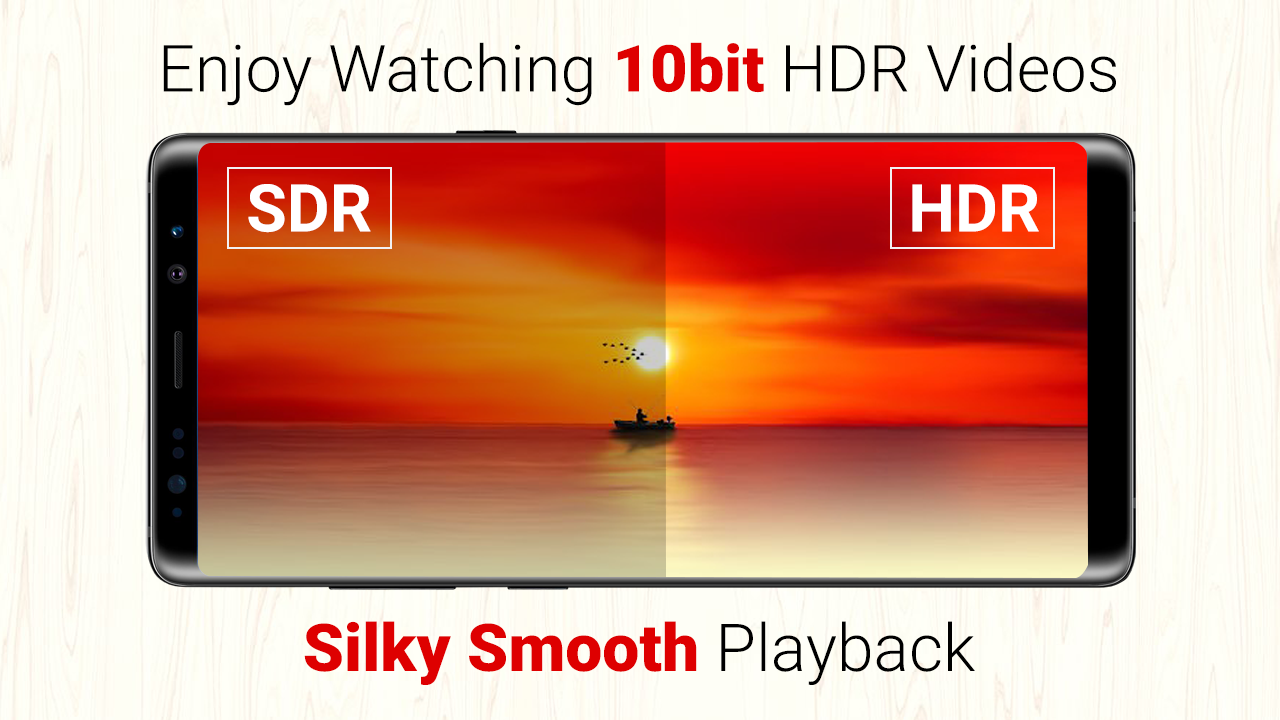
CnXPlayer for Android fixes the annoying choppy playback and format compatibility issues when you are trying to play HD videos on your phone. This 4K video player will play any video, ranging from standard MP4 (which is pretty common) to demanding 10-bit HDR files, without crashing your battery, or stuttering when it counts.
Play any 4K HDR video.
The hardware acceleration of this application results in the smooth play of Ultra HD files that crash other players. This software can play video file formats MKV, AVI, MOV, and nearly all other codecs. You won’t waste time converting files. The ten-bit high dynamic range decoding maintains the quality and depth of colour and contrast which makes cinema content absolutely beautiful on the latest OLED displays.
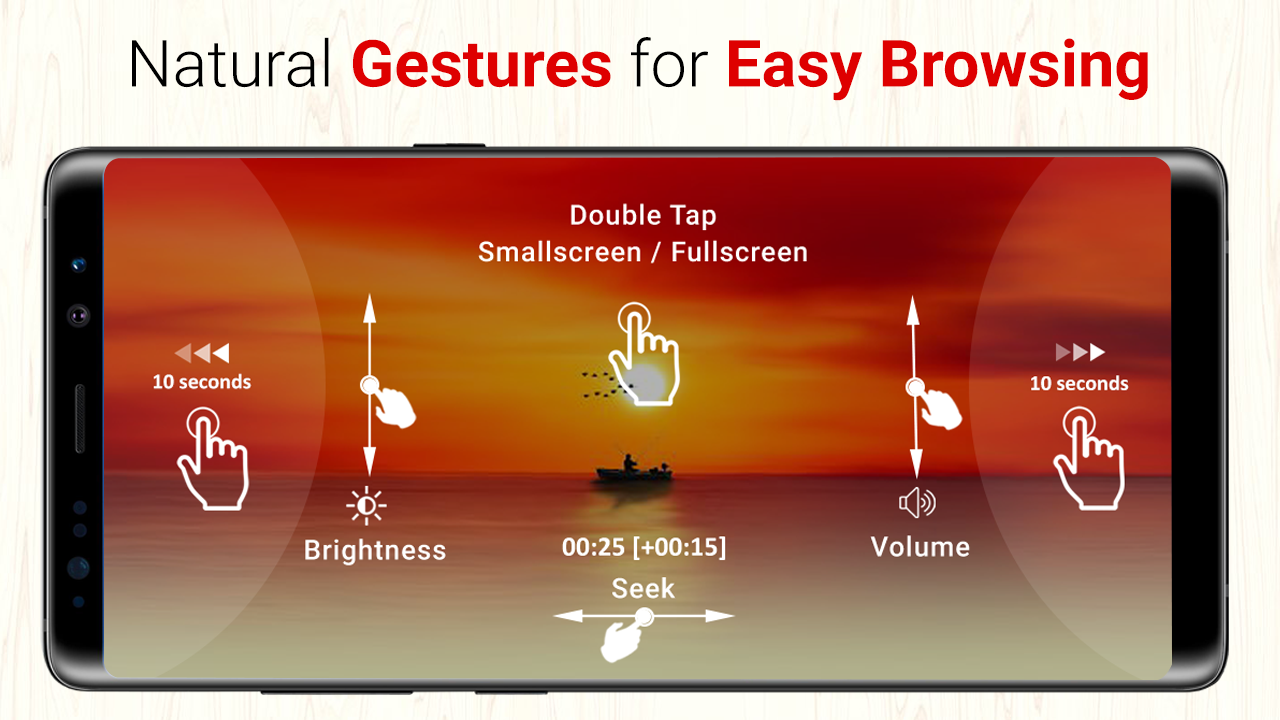
With the gesture controls, you can swipe up and down to adjust brightness and volume and swipe right to left to scroll through the timeline of the video you are watching. This video player contains sliders that can adjust the brightness, contrast and saturation of videos suffering from washed-out or overly dark effects. The helpful interface gives you a grid, a list, or a folder view to organize…
Cast to TV in one tap.
The built-in cast video to TV feature works well with devices such as Chromecast and Amazon Fire TV. Sending files using WiFi video transfer means you can easily transfer files from your computer to your phone or TV without any wires or cables and without uploading anything to the cloud. This video casting app is capable of seamless network streaming whether you’re pulling content from a local server or casting your phone’s screen to a larger display.
The battery is still strong while casting. The app uses lightweight codecs that reduce the strain on your processor. This ensures you get a good picture, especially when watching long content away from a charger.
Quick tweaks: speed, color, subtitles.
Adjust the playback speed of the video from 0.25x to 4x for learning languages or skipping through slow parts. Subtitle management handles multiple file formats in any language and lets you adjust the position and size to avoid blocking the main visual. You can easily load external subtitle files or use the built-in subtitle tracks.
Initially, the app does not retain your playback history. The app remembers where you left off from playback. Keep work and personal items separate by hiding some videos from your library.
5 Quick Tips:
- You can use a two-finger gesture to lock the screen, which prevents any touches.
- To improve 4K video performance on older devices, enable hardware decoding in settings.
- Make Your Own Playlists – Long-Press Videos on Grid View
- Transfer videos via WiFi by turning on the option inside the settings section and using the given IP address in your browser.
- Tap the subtitle option that appears while playback is going on in order to change the sync timing of the text and audio.
The free version puts ads and limits casting features which can be unlocked through in-app purchases, but core playback remains free and unrestricted. Basic controls satisfy most users, but a fee is required for more options. CnXPlayer is a useful player to handle various modern video formats with no complex setup, no matter what.





No comments yet :(