
Apps Store : All In One App – Your Play Store App

- Updated
- Version 1.3
- Requirements Android 4.4 - 4.4.4+
- Genre Apps / Art & Design
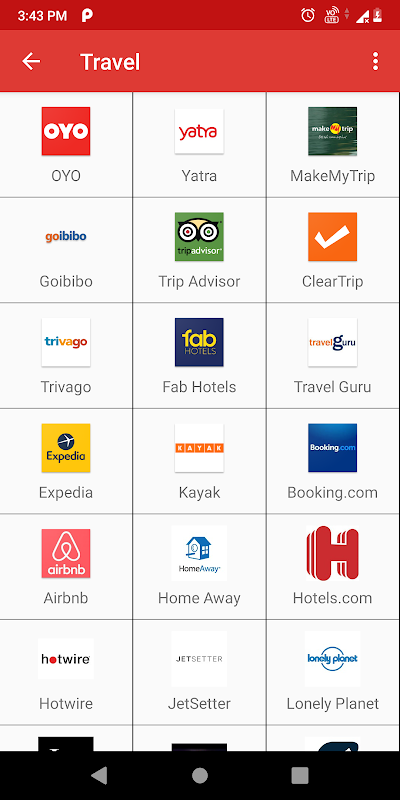
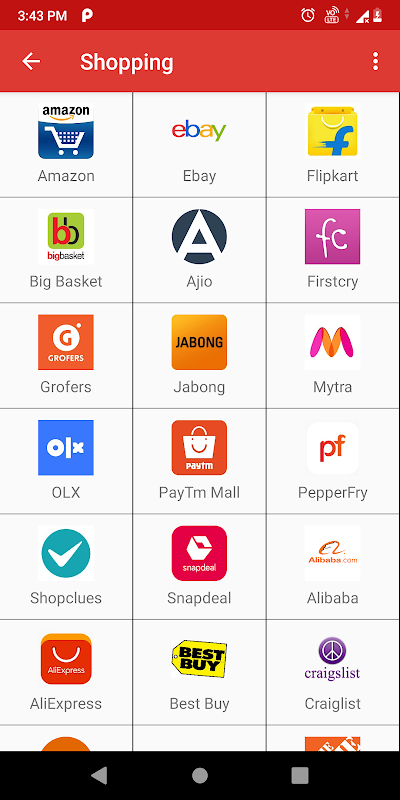
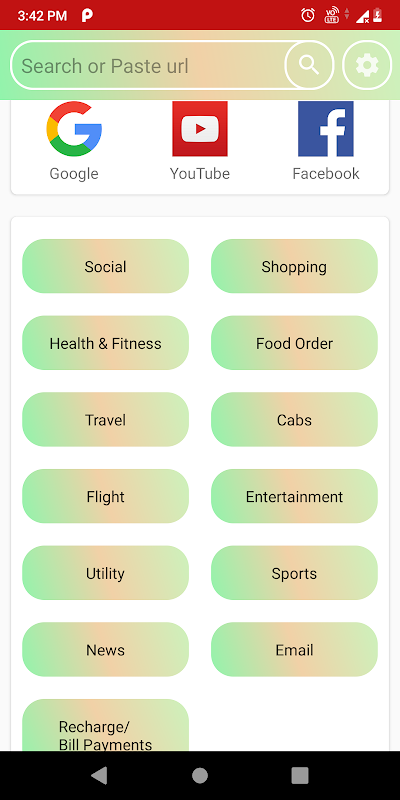
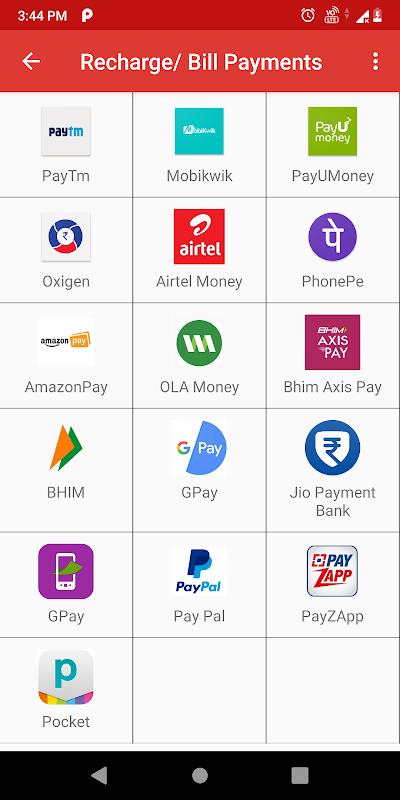
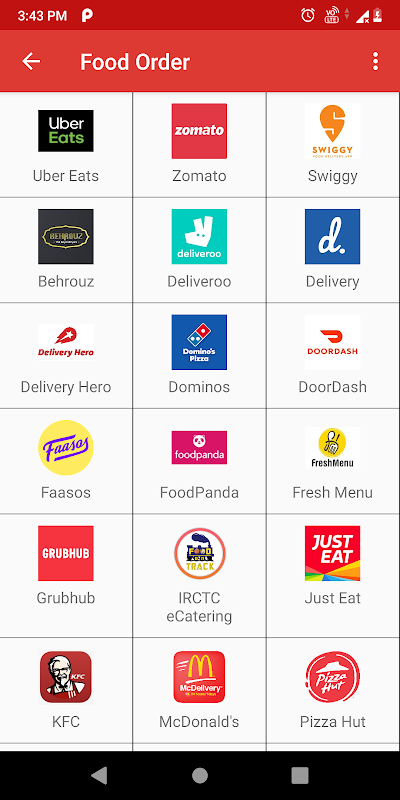
Whenever you require your app, you find yourself wasting time looking through all the screens, folders and the Play Store. All In One App for Android solves this simple problem. This single-app marketplace includes hundreds of the most-used social media, utility apps, games, and shopping apps so you can search, browse, and launch in seconds from your single dashboard rather than scrolling through your device.
Find any app in seconds.
The core strength of this Android apps hub is speed. Simply type a word into the search bar, and the app will automatically show relevant results from social networks, streaming services, productivity applications and games. It won’t matter which folder has Instagram or which bookmark in the browser is your shopping site. The Android app discovery tool doesn’t just categorize. It also has a mechanism for targeting content via casual browsing. All listings are descriptions with a button that hands off installation to Google Play, or if there is no native app the service will open in a mini-browser.
For users that find their home screen too cluttered, or who share a device with all the family members, this centralized approach removes friction.
You will get a clean, icon-driven interface that highlights trending and most-used apps. It makes it easy for non-technical users to explore new services without technical jargon or complex nested menus.
One hub for everyday apps.
You can think of this app manager and shortcut launcher as a universal remote control for your Android ecosystem. You no longer have to hop between the Play Store, web bookmarks, and your app drawer; you open one screen and see personalised or popular recommendations. The alternative app store for Android gathers the shortcuts to places such as social platforms, video streaming platforms, e-commerce sites, messaging apps, casual games and more and treats each as a tile that makes a gallery.
The app does not often duplicate the full APK hosting, as it is a lightweight wrapper. Most links either lead to the official Play Store page or to a mobile website. This keeps the download size low, and it does not suffer from the security issues of sidestep through the sideloading of unsigned packages. But this also means that the experience relies fully on an internet connection – it has limited offline abilities.
Install with one-tap shortcuts.
All the app cards within this alternative to Google Play Store have just one action button: install, open, or visit. Just tap once, confirm via Google Play, and the app will be on your device. When you tap Web apps, the hub opens a browser session so you can check a site without leaving. This streamlined process appeals to consumers as they get the content instantly without having to memorize a unique URL or going through a multi-step process on a store.
That convenience comes with trade-offs. The application earns money through displaying banner and interstitial advertisements, that disrupt your browser activities and cause sluggish website browsing. Advanced users doubt the need of this multi app launcher when Android comes with a full app drawer and the genuine Play Store, and whether they even need to use an extension that tracks their usage and pushes frequent promotions.
5 Quick Tips to Get Started
- You can make it easy to access your most-used apps so they appear at the top of the home screen.
- Select social, games or shopping to browse services you may have missed out on.
- Use search for speed: Type a keyword to jump straight to the app you want instead of scrolling endlessly.
- Make sure each install points to Google Play for added security.
- Stop optional notifications about ads in the settings to minimize ad messages.
Apps Store: All In One App brings together the most famous Android apps into one clean hub so you can find, open, and install in seconds- download now and stop sifting through your folders every time you need a service!







No comments yet :(