

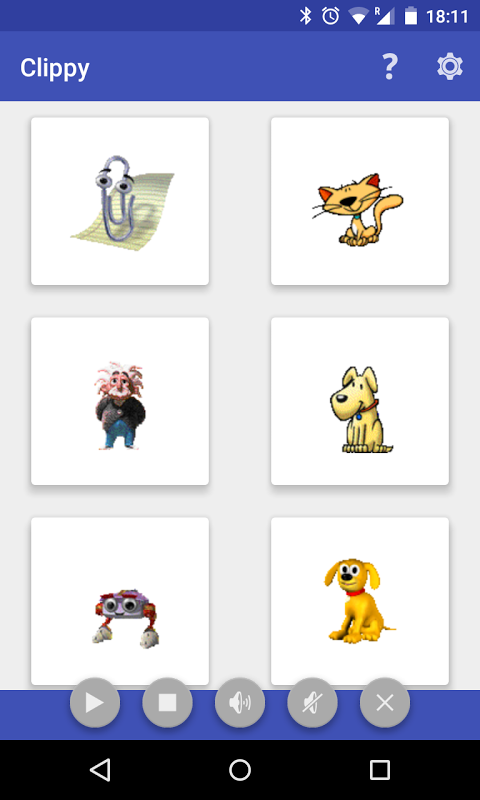
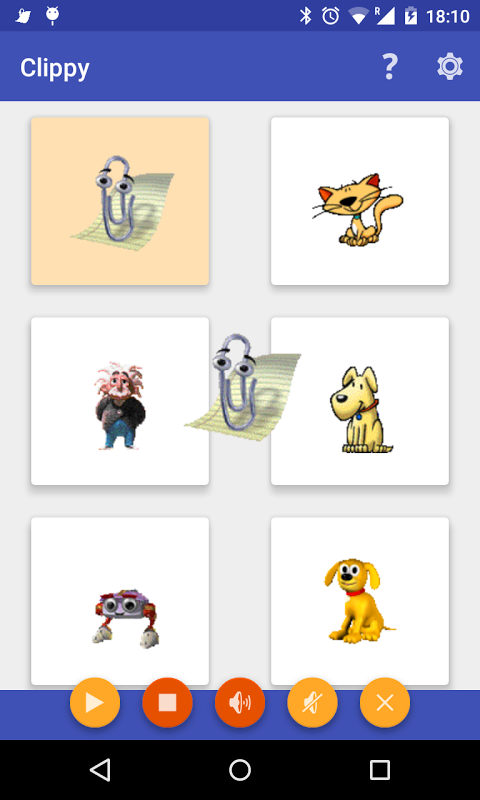
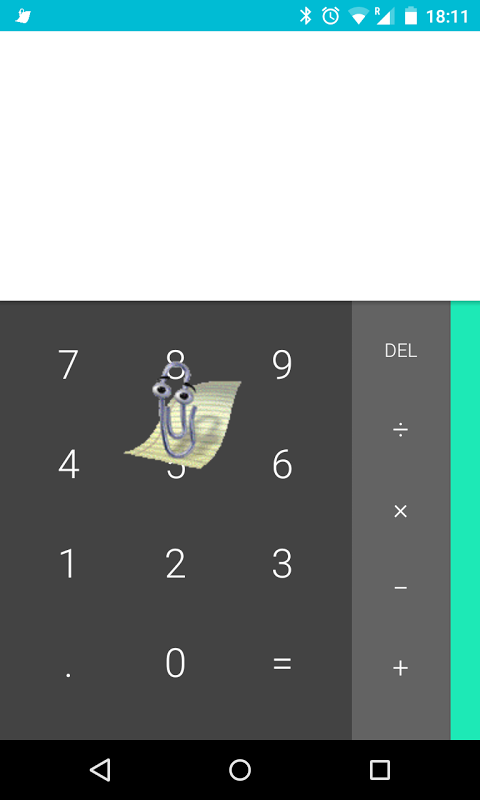
Clippy for Android fixes an annoying problem.
Anytime you download a video from a social media platform, the watermark stamp or a compression occurs, rendering it unwatchable. This app helps you ignore those restrictions and grab any content in its original quality.
Save videos without watermarks.
Clippy automatically removes the branding of the platform you use. When you copy-paste the link of the video in the app, this watermark removal is done in the background. You receive clear files you can share or archive without those distracting logos on your screen.
The video downloader works for all platforms making it a true social media downloader and not a one-service video downloader. If youre getting your content from short-form video apps or long-form tutorial platforms, the process stays the same. Just copy, paste, and download. No need for complex menus or selecting formats – execution is fast.
Instant HD exports, no fuss.
Clippy HD video export engine makes quality matter. Downloads will keep the original quality, be it 720p, 1080p, or more. The app does not require re-encoding that reduces visual quality. In contrast, the screen recording alternative methods capture lower-quality output.
Speed is equally impressive. The app skips unnecessary processes that delay downloads with other tools, so it downloads faster. With this approach, you dont have to manage specialized apps any longer. This one tool lets you collect from all sources so your home screen is less cluttered and your workflow is simpler.
No login, ultra-fast private downloads.
Users who care about privacy will love the no-registration policy. Pure functionality, without any emails, profiles, or tracking dashboards. You do not need internet to use the app as it works completely offline once installed. The downloads are locally processed and they will not go through existing servers.
However, transparency issues exist. App shares your ID and activity with 3rd parties despite claiming it is privacy-first. Data encrypting is not at hand and users cannot delete data. These gaps matter if youre downloading sensitive content.
Legal responsibility falls entirely on you. The app doesnt offer guidance to help you comply with copyright laws, so know about fair use and ownership rights before you download.
5 Quick Tips.
- Speed Up Workflows by Copying Links Directly from Share Menus
- First check your storage space, as HD files take up a lot of space.
- Always check who owns the content before you download it.
- The ability to use the clipboard manager function allows you to make multiple downloads at once.
- Clear your app cache so that your app runs faster and your device runs better.
Clippy does exactly what it claims to do it grabs clean, good-quality video files without red tape. The interface is efficient and not bloated, and download speeds are amazing. Know the privacy trade-offs and legal complicity before making your tool of choice.





No comments yet :(