
Secure any app in seconds.
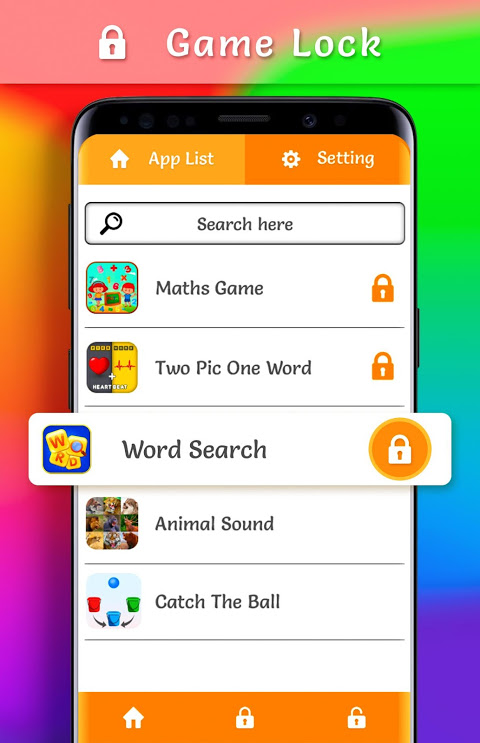
Game Lock for Android is an app that solves a vital problem. Anyone can pick up your phone and have access to your messages. They can also access your bank account details and private photos. This security tool gives a lock to any app of your choice so that your sensitive information stays safe.
Setting up protection takes minimal effort. Choose what apps you would like to protect – your messenger, bank, gallery or any app you would like. Then, instantly lock the app with your preferred lock option.
With easy installation, there are no menus or jargon to deal with. Once configured, this Android security application will remain quiet in the background. It will activate lock screens when someone tries to access your protected applications. The app-level security means the device works normally for everything except the app like banking app which it protects.
The interface makes security less complicated. No need for any technical knowledge as there are no confusing settings or options. The rest of the design is just about selecting the app you wish to lock, setting the authentication method and the visual appearance of locks.
This malware and scam protection mobile app runs smoothly, protecting your device without draining the battery or slowing it down.
PIN, Pattern, or Fingerprint unlock.
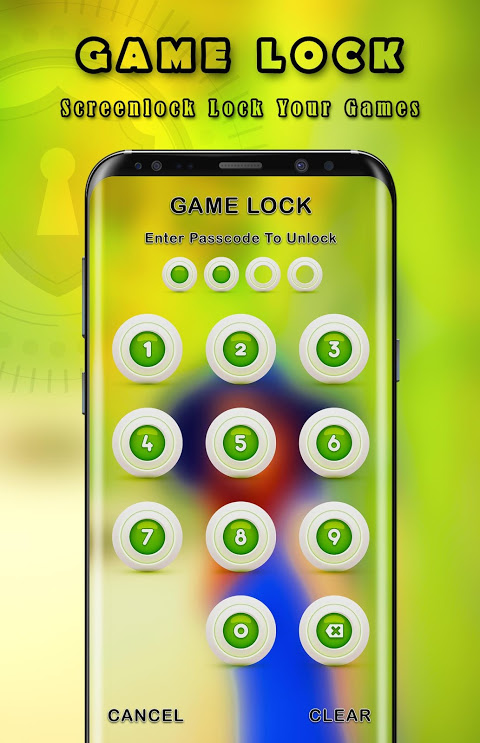
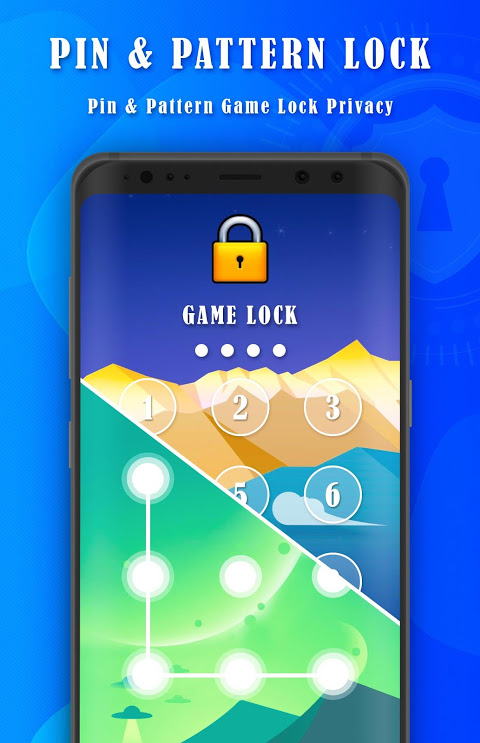
You can choose how to authenticate your identity according to your preference and convenience. With the PIN pattern lock, you can quickly enter a numeric password to access your smartphone. Visual security via pattern locks is something many users find faster than codes. Fingerprint lock applications for biometric sensor-enabled devices allow quick authentication by just a touch to unlock.
If you need to change methods, it takes seconds. Perhaps you like fingerprint scanning at home but prefer a PIN in public. You have the flexibility to use multiple authentication methods. You won’t have to use just one method at all times. You may use a different method for a different application.
Customize lock screens your way.
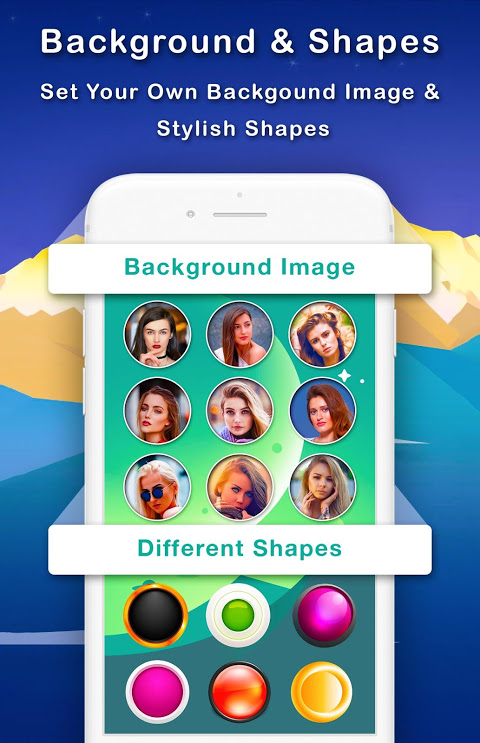
Security doesn’t require sacrificing aesthetics. You can use the customizable lock screen feature to change colors, backgrounds, and visual elements. You can choose a simple design or something unique. The versatility of the customization options allows your security to match your style.
The visual flexibility also helps you identify at a glance which apps are prohibited. This also makes the more secure experience feel integrated with your device rather than that it was an afterthought.
5 Quick Setup Tips.
- First, lock your most sensitive apps, like banking, email and messaging apps.
- Try out the authentication method you choose, several times before using it.
- Enable fingerprint access on your device for the fastest access.
- Make your work and personal app lock screens different.
- Check your locked apps once a month and adapt as your needs change.
Download Game Lock now to lock your important privacy down with PIN, pattern or fingerprint on your apps with an intuitive UI and customizable designs.





No comments yet :(