
Pair and manage all Gizmo devices.
GizmoHub for Android is the Verizon solution to a common parenting problem: keeping in touch with young kids who (yet) can’t have a phone. Use this companion app to make your Android phone a control center for your child’s GizmoWatch. You can see your child’s location, control who your child can communicate with, and manage the watch itself. It’s designed with the family you love in mind, and available only within Verizon.
You can pair a Gizmo wearable with your Android phone and create a GizmoHub account. The app walks you through registering the device, creating contacts, and setting up the watch via your handset. After a dashboard is connected, it allows users to see the entire battery level, signal strength, the most recent activity, and the current status of the device connected.
The real power emerges when managing multiple kids. Parents can switch between the watches with ease, creating their own contact circle while changing settings without touching the device. You can change ringtones, mute mode during class hours, set auto-answer to your own calls, change your watch face, power off the device, and more with remote controls. This makes it easy to operate and remove your child’s smartwatch, with no awkward fiddling with tiny touchscreens on one wrist.
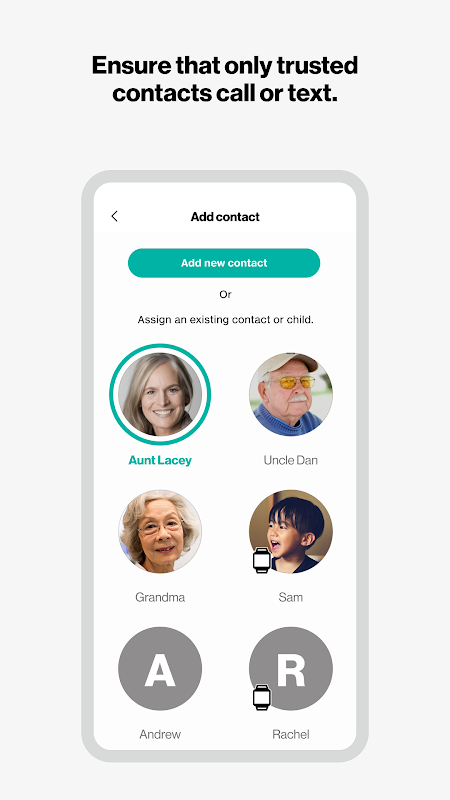
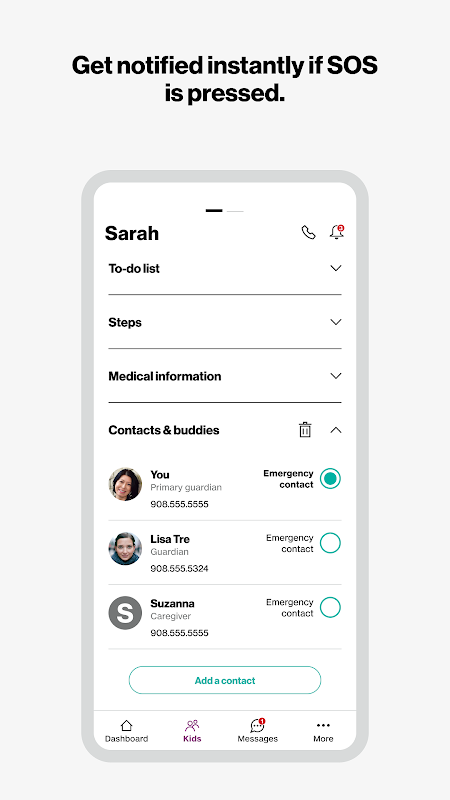
The app also acts as a hub for the secure contact ecosystem. You set what level of permission people have with your child. Guardians have full control, caregivers limited permissions and Gizmo Buddies (other kids with Gizmo watches). You can create group chats with a child’s watch and all other guardians.
Real-time GPS tracking and alerts.
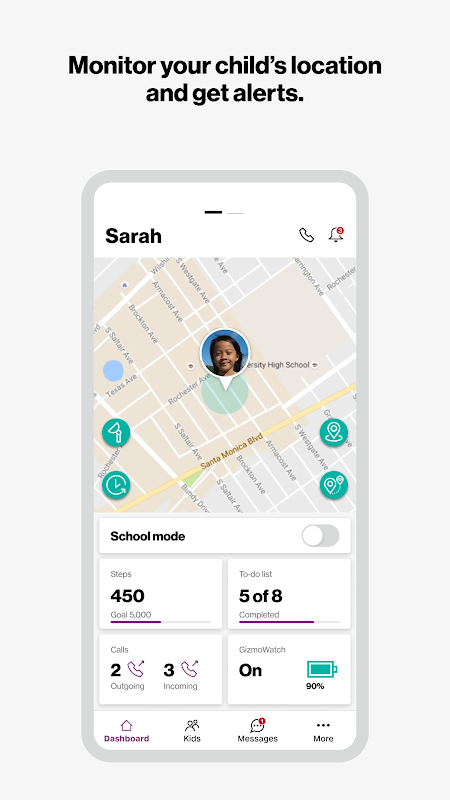
Kids’ safety wearable manager relies heavily on location tracking feature in the product. GizmoHub gets real-time GPS coordinates from the linked watch and displays them on a map. You can name places you visit often like home, school, grandma’s house and draw boundaries around them.
With Geofencing, automatic alerts will be sent if your child goes in and out of a pre-designated area. Also, location checks can be scheduled which will ping the watch at a selected time to confirm arrival. The app records your child’s location history so you can see where they have been throughout the day. Although most users praise the tracking to be reliable, some also noticed some drift or delays in GPS updates in weak cellular signal zones.
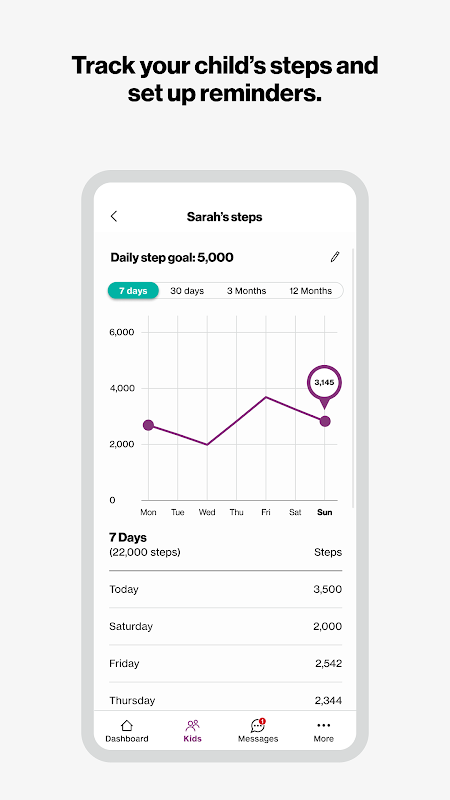
Step counting and activity reminders add a wellness layer. The watch tracks the steps taken daily. Guardians can set limits as reminders for children to move towards health. It does not act like a full fitness tracker, but provides gentle motivation to a young user.
Call, message, and video in one tap.
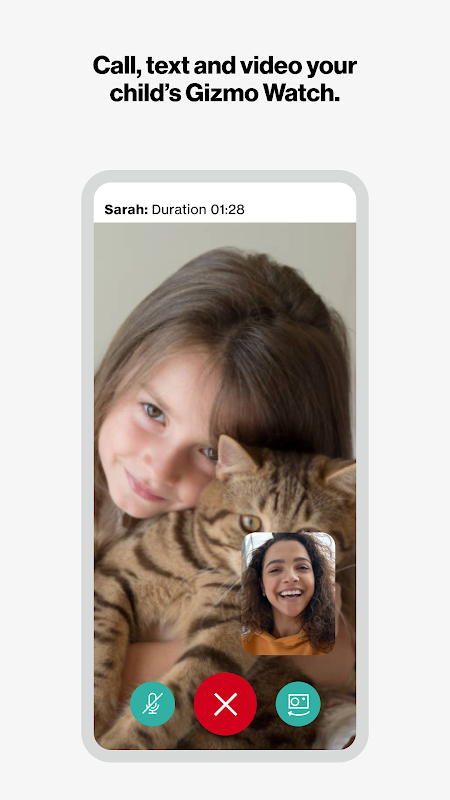
The communication features transform the application into a smartwatch for kids video calls. Guardians can make voice calls, send text messages and initiate video calls from their Android phone to the child’s GizmoWatch. The child can respond to a call back or a text message through an easy-to-use interface on the watch. All exchanges are done with contacts pre-approved by the parents.
The Kids smartwatch tracking works also with them. But you can first check your child’s location before calling. Creating group messages allows multiple guardians to coordinate pickups and updates in real time. Gizmo Buddy chat allows kids to have watch-to-watch messages with approved friends.
There are times text messages don’t get sent, delivery notes are not received, and video calls are dependent on network strength. The problems don’t cripple core functionality, but they can frustrate parents wanting smartphone-level reliability.
5 Quick Setup Tips.
- Charge your device fully. If this isn’t done, setting up your device will be interrupted due to low battery and will have to restart.
- Make sure to add all the guardians first. This will help you create the contact circle before the watch is handed to your child. Carrying on the configuration later on will cause anxiety.
- Make sure to test geofences before you get to the school or activities. Go to the home zone and walk the perimeter of the first boundary zone. Ensure to know the timing and what the alert will be.
- Set automatic location checks for drop-off and dismissal so you don’t have to ask for them.
- Double-check on quiet mode hours to pre-set times to silence things for school and bedtime so you won’t have to change it every day.
GizmoHub is a customized app for Verizon Family Safety tools. GizmoHub offers an incredible level of granularity for Family Location Tracking Android application which is unmatched by regular apps. You need to have hardware compatible with Verizon and an active service plan which means that you are locked in an ecosystem for its use. Further, as it relies on the network for functioning, performance is not up to the mark in low-coverage areas.
The app collects and stores sensitive data on children. Parents must note.




No comments yet :(