

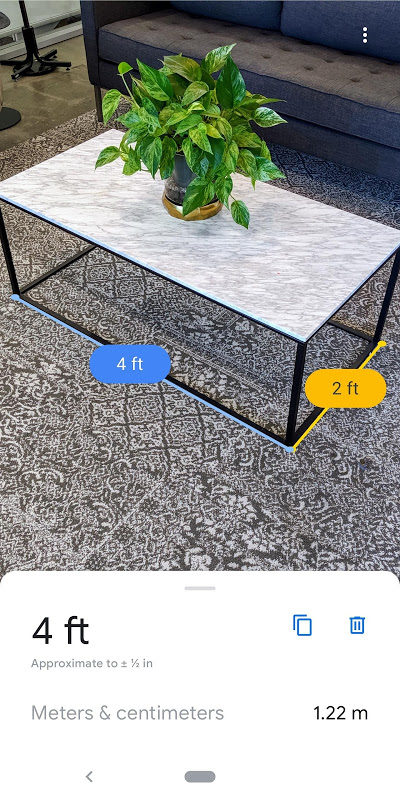
With Measure for Android, you can measure things using your smartphone and augmented reality. Stop searching for a ruler or tape measure to get an instant measurement by simply pointing a camera and getting a reading for everyday uses.
Measure distances instantly with AR.
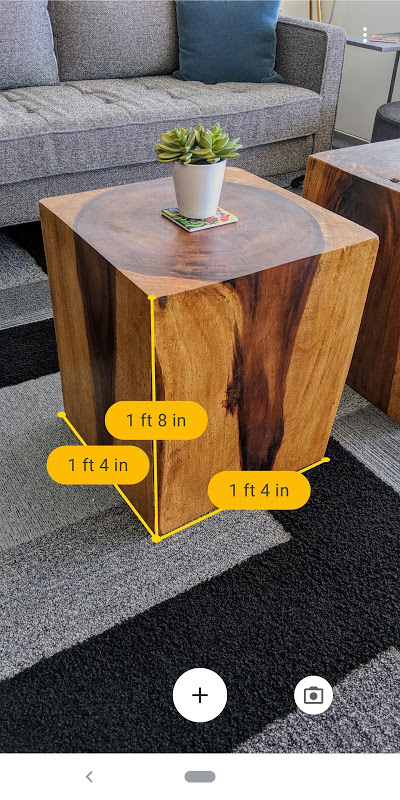
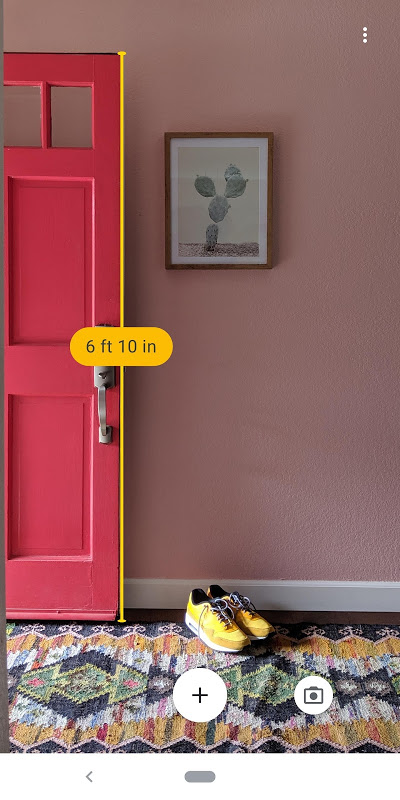
The AR measuring app computes the distance between two points in a room using ARCore technology. Use your camera to tap anywhere on the floor to set a start point and mark an end point. Virtual markers will appear to provide you with precise readings. The digital tape measure feature works for furniture gaps and wall lengths as well as seeing if the sofa fits through the door.
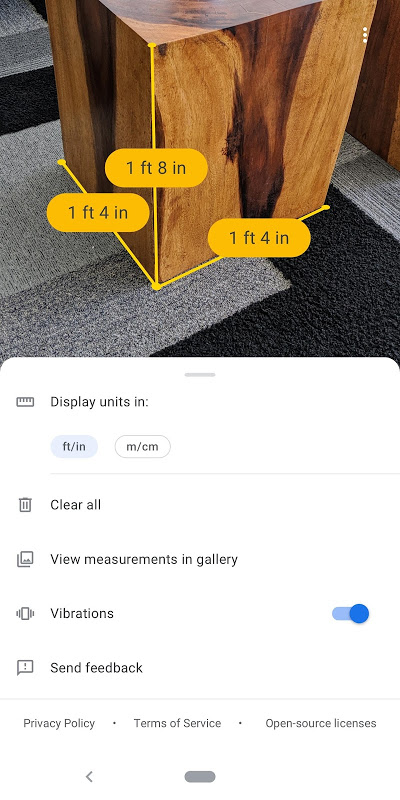
With one tap, you can switch between metric and imperial units. This feature is essential for users around the world or for those following building plans with different measurement standards. The distance calculator allows use of centimeters and inches, also allows you to copy the result to the clipboard and send it in a text message or email. Great for texting dimensions to contractors or online shopping.
Height measurement, which is done upwards and downwards, that is which is from floor to ceiling or from ceiling to floor, is useful for tasks where room measurement is needed, such as curtain planning or shelving installation.
The app does the work of detecting horizontal planes by itself, which makes measuring for your interior design tool project easy.
Calculate area, perimeter, and volume.
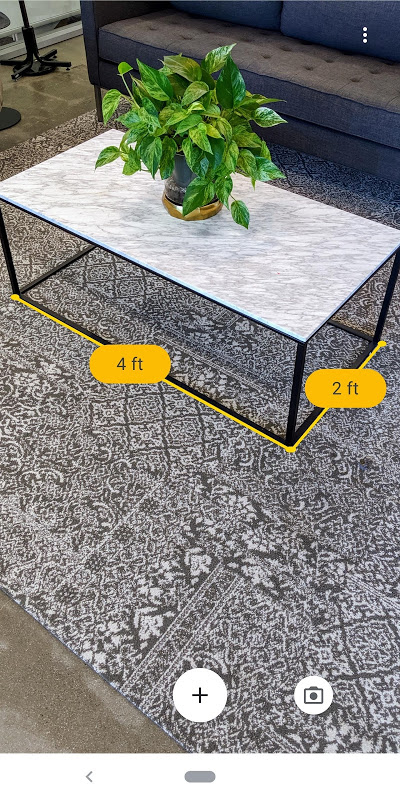
In addition to single-distance readings, Measure can also calculate area and perimeter of rectangular spaces. To instantly calculate square feet for flooring estimates or office space layout planning, mark the corners of a room. Results are shown on the app as corner points are adjusted.
When you measure volume, you introduce a third measurement dimension to boxes and cabinets and storage containers. Calculating the space of a moving truck and the inventory of a warehouse is very easy with the help of this 3D object scanning. You can use path length calculations to create curves by adding waypoints along joins or to an angle.
Photo documentation records your measurements through photographs. Take pictures with noted measurements on real objects. It can be used for files or warranty cases. This feature helps connect physical measurements to your digital files.
On-screen ruler, tape, and quick sharing.
The on-screen ruler allows you to measure smaller items directly against your screen itself, like coins and cards and craft items. It may not be as precise as a ruler, but it gives a fairly good idea and helps eliminate many needless calculations.
5 Quick Measurement Hacks:
- Be sure your luggage meets airline size limits.
- Measure picture frames so they look symmetrical on the wall.
- Compute restaurant table sizes for interior design tool layouts.
- Check appliance clearances when renovating your kitchen
- Make sure the parking space fits a vehicle
The mobile measuring device philosophy eliminates bringing tools along for casual jobs. With a single tap, measurements are downloaded to your clipboard for easy pasting into shopping apps, notes or messages to contractors.
Know that this free tool provides estimates, not exact measurements. There are error margins, especially if your phone isnt a Google phone or if the lighting around you is bad. Older Android phones wont be able to support all ARCore features. For professional construction, it is essential to use real tools. For everything else, from home renovation to furniture shopping to planning out the layout of your office space, Measure gives you practical value without cost or complexity.







No comments yet :(