

Find and fix network issues in minutes.
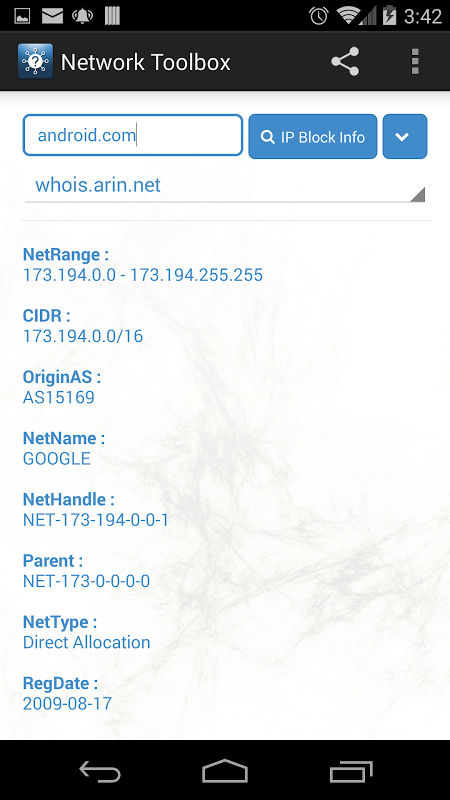
Network Toolbox for Android makes it easy to leverage 32 different diagnostic utilities. They enable you to scan networks as well as trace connection problems through traces. Moreover, you will also be able to monitor security from your mobile phone without having to switch to several different applications or using your computer.
Scan your LAN in seconds.
This tool is capable to find every device on your WiFi network easily. The device connection detector displays IP addresses, MAC addresses, and vendor of phones, computers, printers, and smart home devices that are connected to your router.
You see easy to recognize names instead of a number code as the app supports many naming protocols namely NetBIOS, mDNS, LLMNR, and DNS. Get alerts through push notifications whenever an unknown device is connected to your network. It helps keep unauthorized access at bay.
Using a subnet calculator and IP calculator can make the planning of your network easier. Without opening the spreadsheet, address range calculators, subnet calculators, and full-blown topology mappers. A MAC address vendor lookup enables you to identify device manufacturers instantly.
Diagnose routes and latency fast.
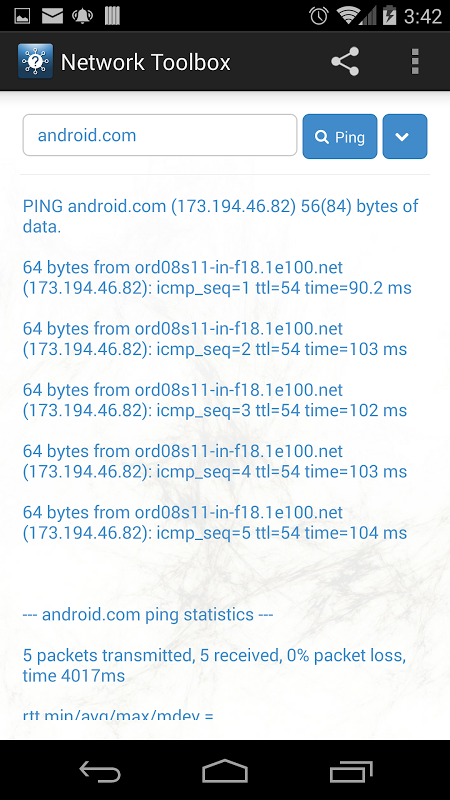
You can utilize ping and traceroute for both IPv4 and IPv6 IP addresses to check connectivity to any server. The traceroute shows where your data was slowed down or failed on its way to the servers from your device.
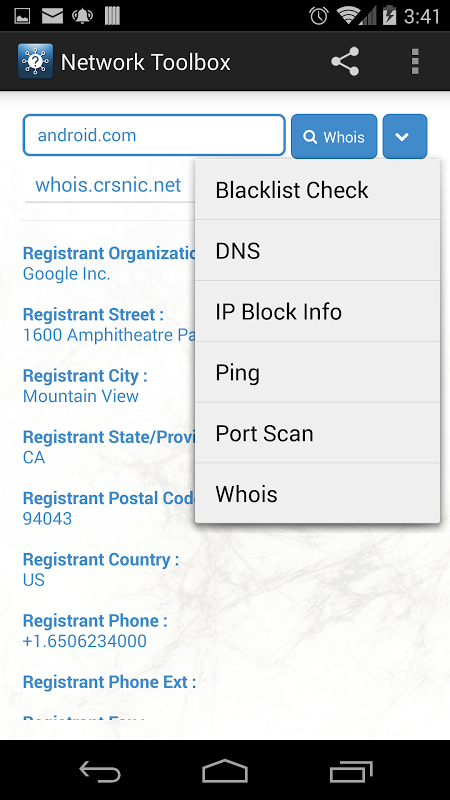
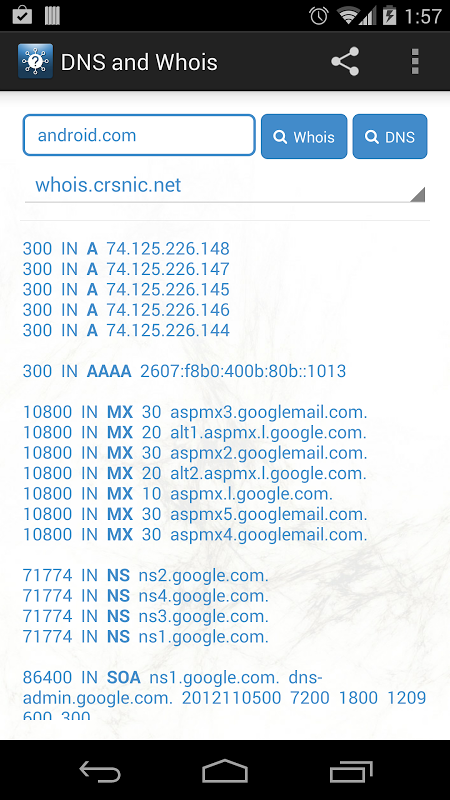
A lookup for various DNS records of various types can assist you in troubleshooting issues with e-mail delivery. The port scanner utility checks which network services are running on targeted devices. This can be useful to check firewall rules, or find security holes in a device.
The app that measures the upload and download speeds of your phone is called the speed test app.
Scanning a WiFi network reveals nearby WiFi networks, their signal strength and channel overlap along with encryption or security-related details. You can select the best WiFi channel to avoid interference from neighbors’ routers by using channel overlap visualization.
Performance varies with network complexity. A straightforward home network will scan in seconds but a company environment with hundreds of devices may slow things down. When renaming devices, some users experience crashes, and during heavy scanning, the app may become unreliable.
Secure and control devices remotely.
WoL or Wake on LAN is used to power on computers over the network that are compatible. The SSH integration provides terminal access to the server and network device for remote configuration and management functionality.
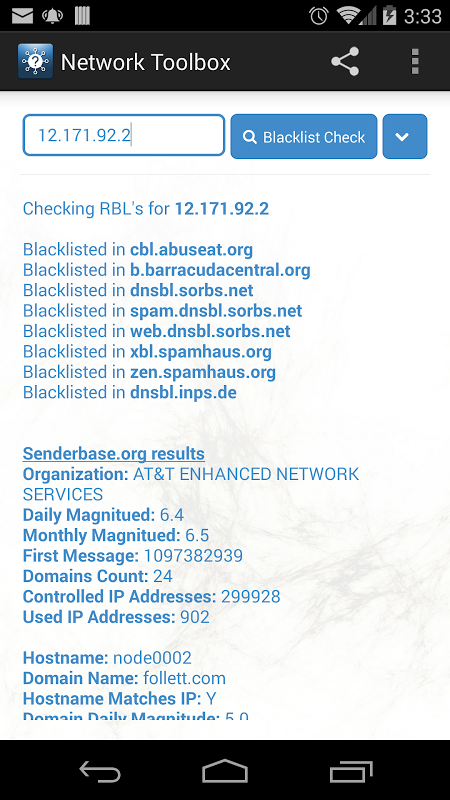
The network control tool functions behind the scenes to monitor network activity for suspicious acts. You can save your network configurations to local storage or Google Drive to restore your settings after the app is uninstalled and reinstalled or when changing phones.
Geolocation mapping shows where external IP addresses are physically located on a map. The use of remote CPU and RAM monitoring on your network devices makes monitoring easier. There is no need for an agent to be installed on your device.
*5 Tips for Troubleshooting Stronger and Faster.*
- Run WiFi scans to know that the channels you are using are really congested before you blame your ISP for slow speeds.
- Port scan to verify if firewall is blocking unwanted services properly.
- Make sure that security notifications are enabled. This way, if a rogue device connects to your network, you will be notified.
- Use traceroute and ping to identify precisely where packet loss starts.
- You can save frequently scanned addresses so that you can easily access them.
The pricing of this software is free so that home users and IT professionals can easily use it. With offline capability, the app loads previously observed devices even when there is no connection. So you can look over the network maps in the field. Although Network Toolbox is occasionally unstable, it provides a powerful interface that consolidates dozens of highly specialized utilities to give fast, focused answers to misbehaving networks.






No comments yet :(