

Fix or update TWRP fast no PC required for Android devices.
TWRP Official App is Team Win’s first-party application for recovery partition management. Get your professional recovery on your smartphone.
No ads, no dependency on Google Play Services, and totally free access to important functions of Android recovery management that previously required desktop management software.
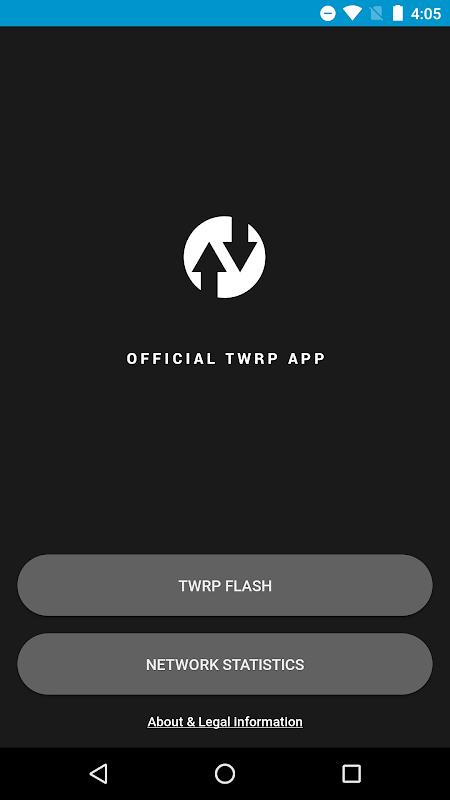
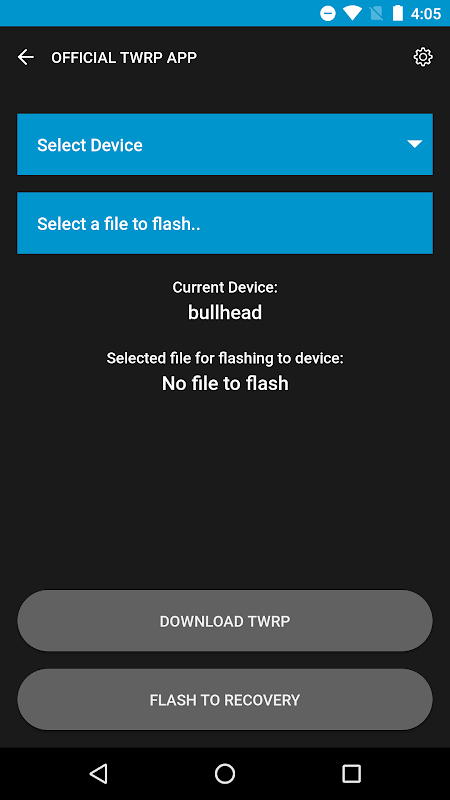
Auto-detect and download TWRP instantly.
The application removes uncertainty by detecting your device and finding TWRP versions from official sources for you. Set the frequency of update checks to fit in with your maintenance plan, such as every set amount of time.
You can directly download the latest TWRP images to your device storage without browser redirects or third-party mirrors. Network performance monitoring will help you track download speeds as well as signal strength. As a result, your data consumption is optimized, with insight into the efficiency of the transfer that takes place through the network performance monitoring. The Android firmware tools help set up devices that would require forum navigation and checksum verification.
The discovery system that searches the database of Team Win displays available recovery versions along with their compatibility indicators.
Flash recovery and boot images.
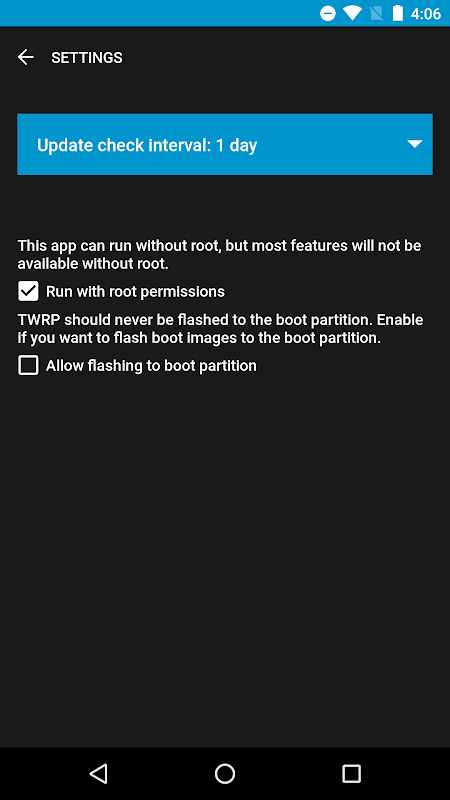
Core flashing functionality is enabled by root access tools. Allow the app to acquire root permissions and write recovery images directly to the device’s recovery partition. No more complex fastboot commands; just tap and go.
With the flashing of boot images, users can manage kernel and boot configurations. The app manages partition writes safely, but the user must understand the risk of system partitions before proceeding.
Due to A/B partition layout, Google Pixel devices are no longer supported due to important limitations. External storage flashing isn’t available yet. Because the software is currently an open beta, the developers are regularly adding stability improvements as well as functionality to TWRP so that it reaches feature parity with the full TWRP recovery interfaces.
Right now, TWRP only supports the English language, which limits its accessibility to users around the world. According to their roadmap, multilingual support and integration of Open Recovery Scripting are some planned features coming to TWRP in future releases.
Manage images with built-in file browser.
You can choose your own recovery image downloaded manually with this file manager. Look for any existing TWRP files in local storage and queue them up for a flash without exiting the app.
This workflow allows people who get images from other ways or test out unofficial builds to opt-in. The browser makes it easier to access files than using a generic method such as flashing TWRP recovery using ADB or a file manager in custom recovery.
Users concerned about privacy might want to note that during the installation, there is a feature that allows an opt-in to collect network statistics to assist in anonymizing the quality of its network. According to Team Win, there is a little battery and bandwidth impact.
5 Pro Tips.
- Before flashing, ensure you have root access; flashing partially works without root, but essential features won’t work.
- Choose the frequency of automatic checks, once a week, once a month, or never.
- Before reading it is important to check the compatibility of the device thoroughly; Pixel owners need an alternative solution due to the conflicting partition architecture.
- Back up the current recovery through TWRP’s built-in backup feature before flashing newer versions.
- Arrange downloaded images using the file manager for easy re-flashing after ROM updates.
This is official Team Win support, unlike third-party apps. Support from TWRP means the compatibility of the ROM with future TWRP updates. Additionally, there are plans to package a lightweight app version inside the recovery images. If you are a user who often installs custom ROMs, modifies the system, or backs up your whole device, then this is the tool for you. It allows you to keep your recovery up to date without the need for a desktop.



No comments yet :(