
Qlone – 3D Scanning & AR Solution
- Updated
- Version 2.13.0
- Requirements Android 7.1+
- Genre Apps / Art & Design
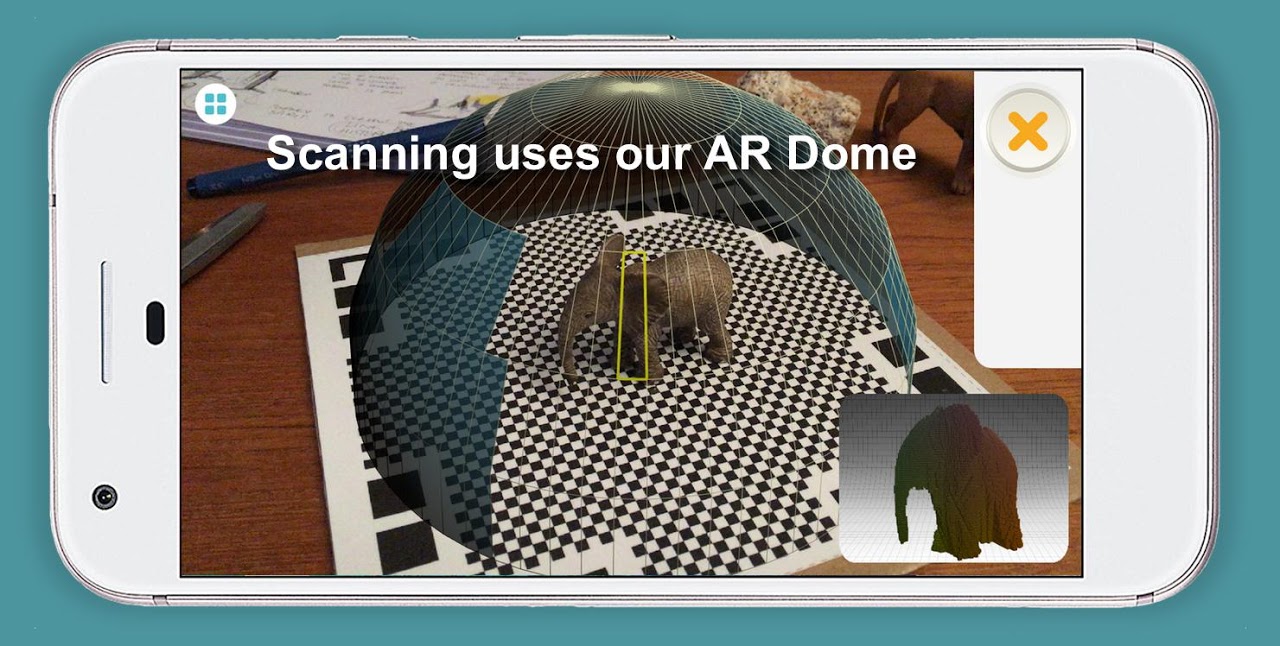
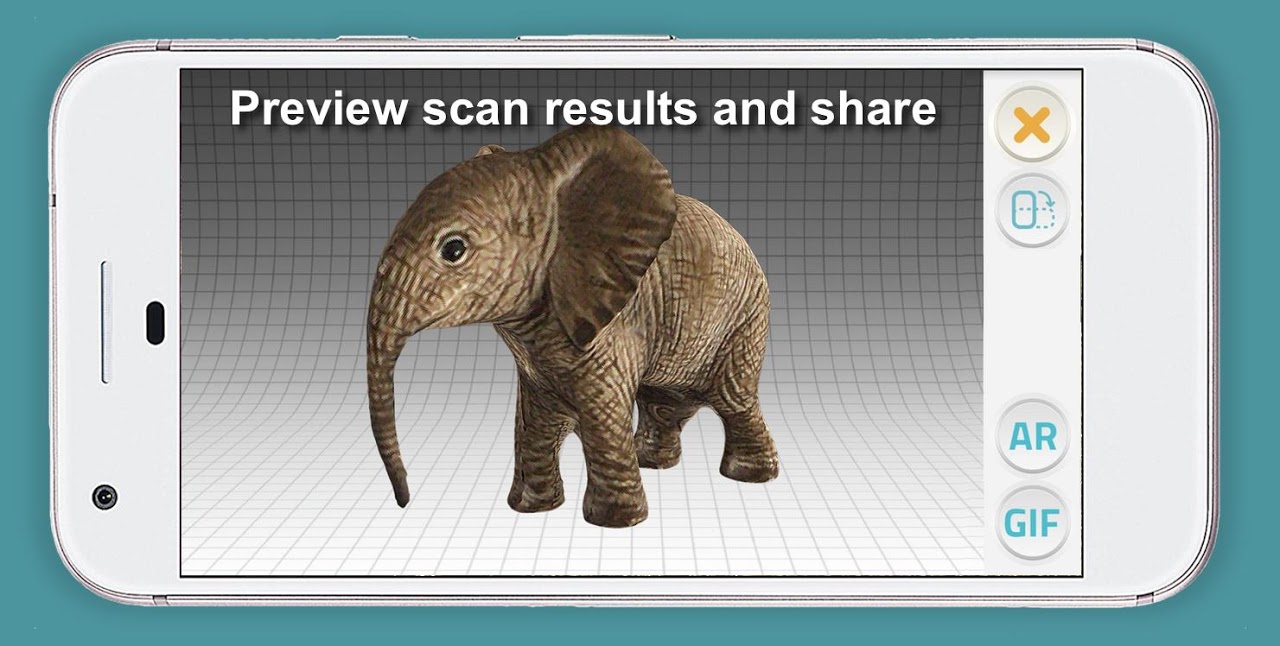
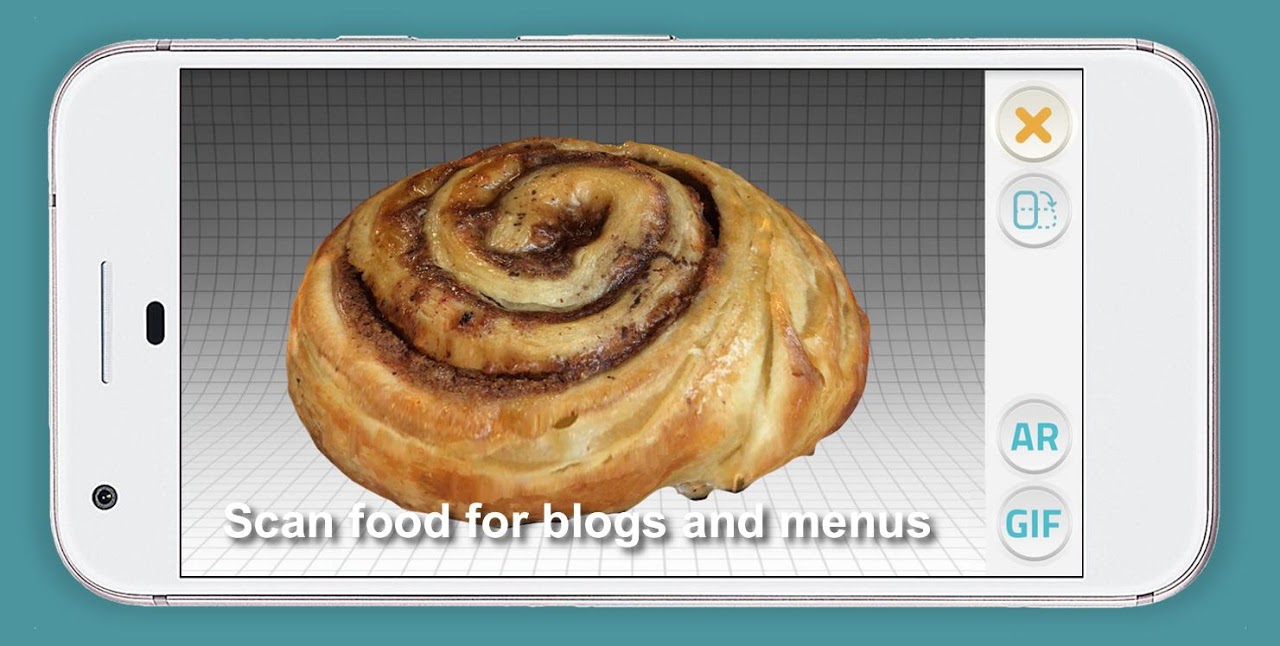
Qlone is a 3D scanning and AR solution for Android that helps solve a massive creative bottleneck.
You can capture real, physical 3D objects and make a quick 3D model using nothing more than your phone. You won’t need an expensive scanner or technical expertise. Qlone will convert the camera of your phone into a guided capture studio that generates finished models in minutes. Whether your assets are for 3D printing, AR experiences, or product design prototypes.
Capture full 360° quickly.
Qlone needs a printable AR mat that you place on any flat surface. Place your object in the middle, and a dome with segments appears in augmented reality on-screen. Walking around the object while pointing the phone camera at the mat fills in these segments and shows when coverage is complete. This method of scanning, which is known as AR dome guided scanning, removes any guesswork because you know when you’ve captured everything.
Tracking using mat enables measurements aware of scale. When you print the mat at the recommended size, the Qlone app infers real-world sizes. That is very important for suitable 3D printing models or fit-checks in other product design applications.
Using multiple scans from different poses allows merging the various scans for enhanced completeness. This method addresses the tricky undercuts or complex geometries that individual single-pass scans fail to capture.
The AR preview and placement feature may not work on older or budget phones. The mat adds a step to the setup and will restrict very large objects or outdoor scenes where a printed sheet can’t be laid down.
Instant on-device 3D reconstruction.
Qlone does the processing on local devices rather than in the cloud like the hundreds of image photogrammetry scanners from which you get the result after the processing is done hours later. You will see your 3D model as soon as you finish assembling the dome. Reconstruction happens in real-time as you scan, so there is no waiting. Alternatively, your model is not in a queue on a server.
This on-device pipeline also works offline. You can capture and reconstruct in any location with no mobile data and export whenever back online. Performance depends on your hardware: flagship processors generate faster frames and cleaner meshes, while mid-range phones offer usable results at the cost of longer processing times.
You can remove or smooth any stray geometry or surface in the app itself. Nevertheless, Android does not offer as much editing power as iOS. To really work on it, you might want to export to Blender or MeshLab, for example.
Export, print and AR-share fast.
Qlone allows you to save your scan in many formats. OBJ, STL, PLY and X3D. These formats are compatible with all game engines, slicers and CAD tools. With the Direct Sketchfab 3D export functionality, your model is pushed to an online gallery with the push of a button. This is great for faster portfolio sharing or client review.
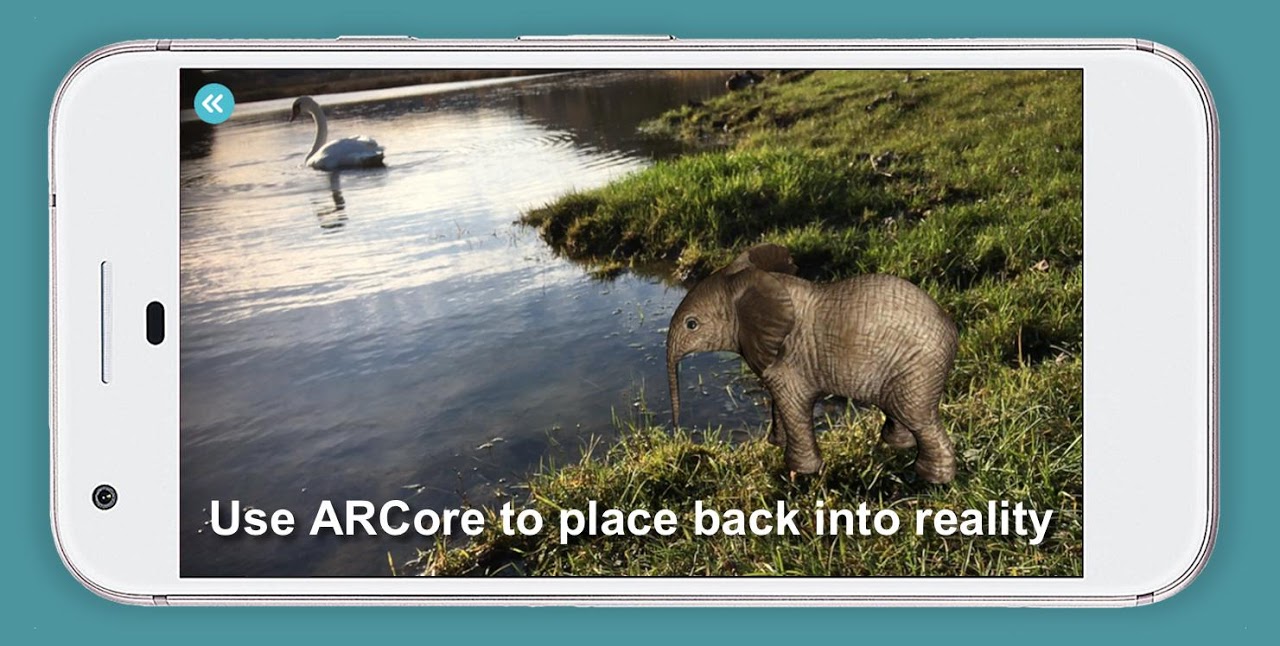
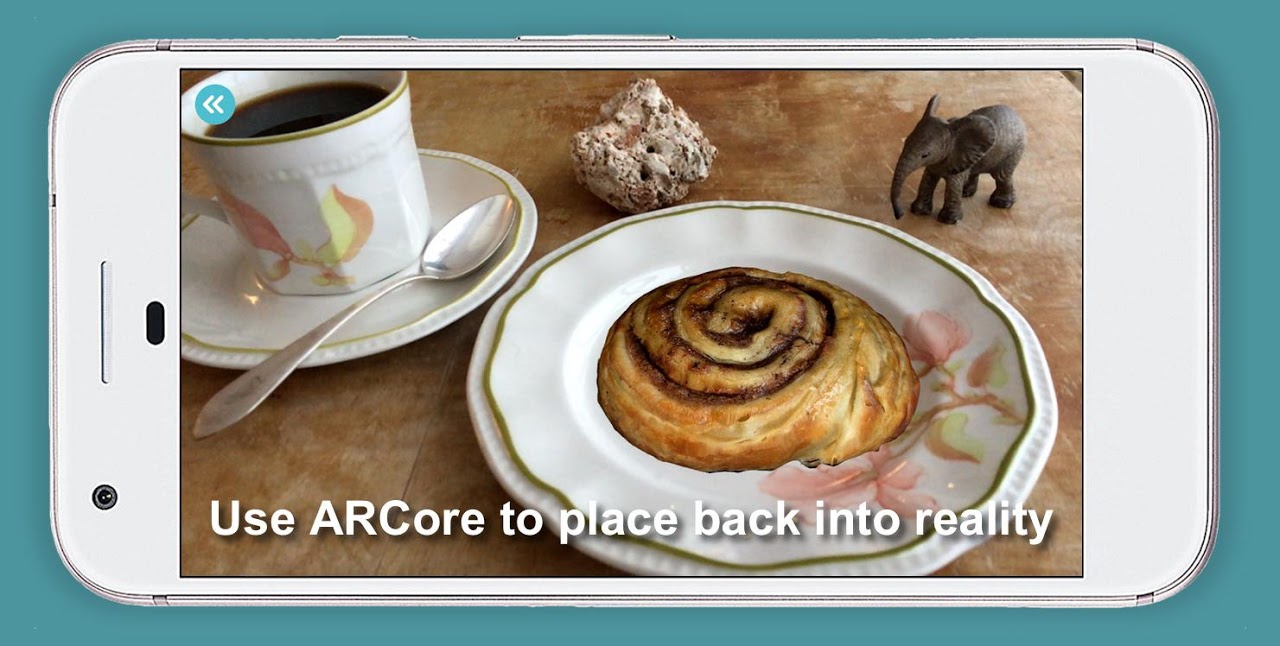
The augmented reality product viewer allows users to use ARCore, using their camera, to place their scanned model back into the real world. With the app, you can visualize scaled furniture in a room, preview a prototype on a desk, or create interactive educational demos.
It’s freemium, scanning and online sharing are free but exporting in standard file formats takes credits which are bought by in-app purchases. Your credits are linked to your Google account and can be used across devices. Users who aren’t frequent will be able to start exporting at zero cost, while users exporting often will budget appropriately for this.
5 Pro Tips.
- Use matte paper and no reflection for a better tracking experience for your mat’s surface.
- Avoid sharp shadows and spotlights when scanning in diffuse lighting
- If you move too fast the mat may not be fully visible and gaps will appear in the dome.
- Gather several scans from varying heights to record the top and bottom.
- You can export a high-res model that is suitable for 3D scanning for VR and games. Lower resolution suitable for rapid prototypes.
Any Android phone compatible with ARCore becomes a portable studio for mobile 3D object scanning. The mat-and-dome workflow are specially designed for beginners as it allows them full 360° capture with ease, the on-device processing delivers results in a jiffy, and one tap export to AR platforms or 3D printing models ensure that your projects keep moving. Experience minimal friction for creators, educators, and designers who need 3D assets without a steep learning curve with Qlone that unites the physical and the digital.



No comments yet :(