
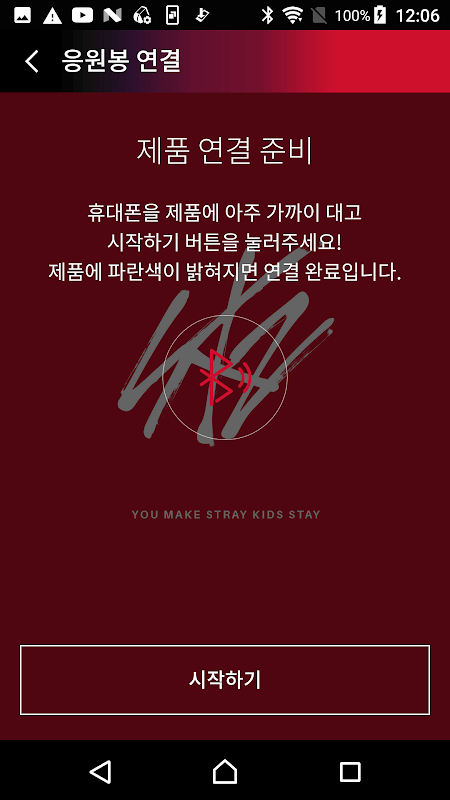
Your Light Stick will now light up along with the real performance. The lighting effects will sync thousands of fans into one visual synchronization.
Glow Together: Live Concert Sync.
The main characteristic focuses on the technology of live concert accessories that registers your ticket seat number in the system. When you scan the QR code ticket and input your location, the app works with the concert venue lighting effects to deliver real time lighting coordination throughout the stadium. The change of colors, the flashes, the fades, all happen to the cue of the show, turning individual Light Sticks into pixels of a huge LED screen.
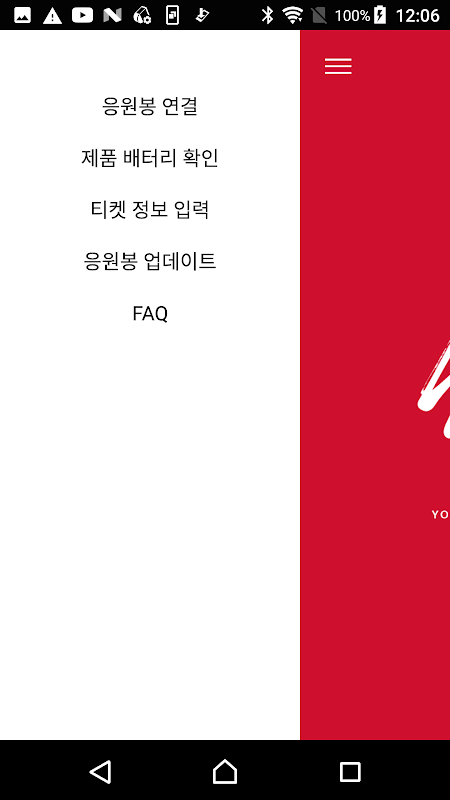
To make use of the Stadium Lighting Coordinated by Bluetooth, location services must be enabled. The battery monitoring shows alerts for less than 50% charge. But, it cannot display the exact percentage. New versions will be automatically pushed through the app for compatibility with new concert systems.
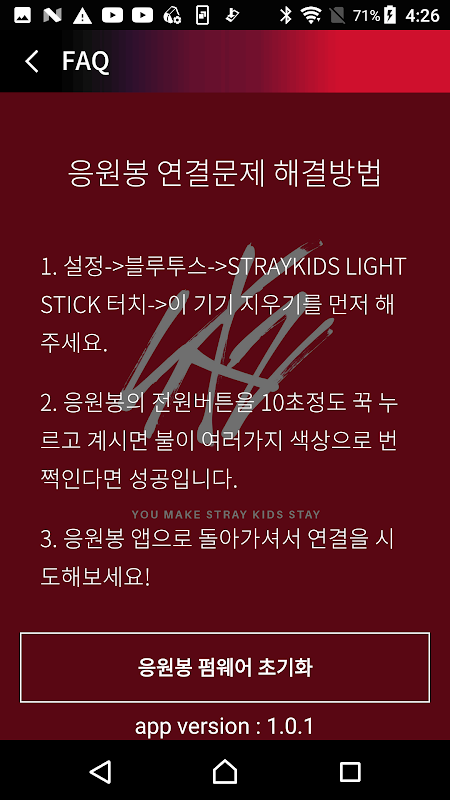
Bluetooth disconnects whenever you close and reopen the app. You will have to reconnect manually.
Color synchronization glitches happen when the bulbs cycle slightly out of sync during animations, but the Light Stick works flawlessly without any interference from the app. The date sheets show limited options which do not match the actual tour schedule all the time.
Customize Your OLED Skin Fast.
Besides K-pop concert technology, the app also lets you customize the OLED display on the Light Stick’s built-in screen. Change between preloaded skins, change brightness and tweak your device between songs. Controls are super simple. Just swipe to choose colors or effects and adjust strength.
Unfortunately, there is a limitation where you can’t manage lighting effects along with customize OLED displays. You can either listen to the show or take part in the show but not both.
Scan Tickets, Seat Up, Join Show.
You can register by scanning QR code which links up your physical ticket with coordinated fan lighting in the app. Enter the coordinates of your seat, and the master control of the venue will communicate your position for timing.
5 Quick Concert Hacks.
- Switch on your Bluetooth and location services before arriving at the venue to avoid delays.
- As soon as you download your ticket, register it in the system to see if everything works.
- Keep the app open in use so we do not disconnect.
- Reconnect Bluetooth manually if the effects stop responding during a show.
- Make sure to charge your Light Stick beforehand because battery indicators are inaccurate.
Register your seats and scan your tickets for an addictive and seamless concert experience. Most importantly, your app delivers where it matters. Transforming Light Stick app control into coordinated artistry that takes fandom into the realm of participatory performance. While there are issues with connectivity and some features we would prefer to exist, no other product comes close to delivering this level of K-pop concert technology for official Stray Kids events.




No comments yet :(