

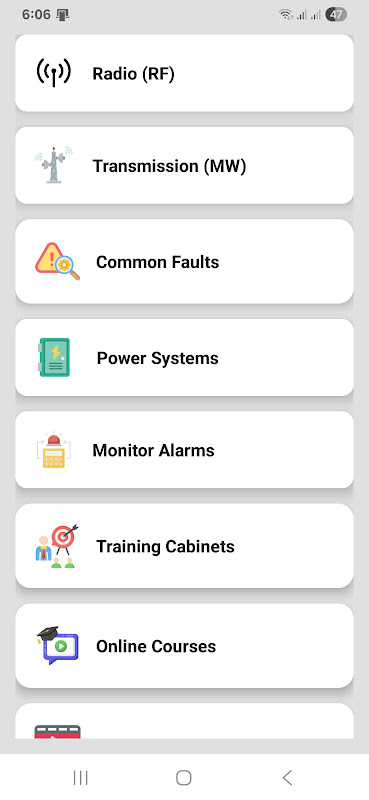
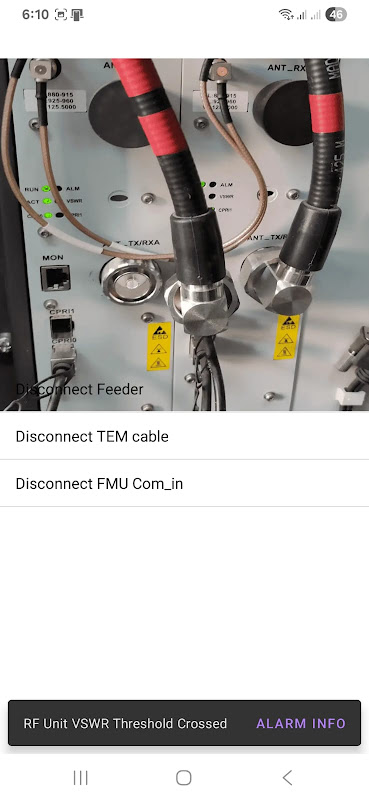
The Telecom App for Android helps when the alerts cover the screen and the network is down. Every minute of downtime is money wasted, and it’s no option to scour through a mess of PDFs or wait for vendors. Use the alarm codes, manuals, and training videos that you send directly to your phone with this free tool from Aptoide-web. This ensures that field engineers can diagnose and fix problems without searching all over the place.
Stop downtime in minutes.
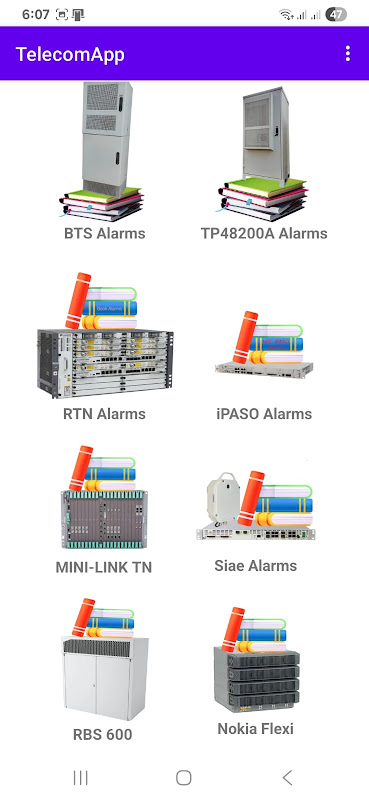
The Telecom App addresses the fundamental issue of alarm identification speed. The interface organizes codes by equipment type RTN, TN, SIAE, NEC, BTS, and TP48200A power cabinet management so that you can match a device alert to its fix quickly and easily, rather than scrolling down generic documentation. For 2G/3G/4G Network Elements, this limits the troubleshooting path to avoid redundant work that users report for this app is the biggest labour-saver in site recovery work.
The bilingual (English-Arabic) interface has also been adapted for regional teams. Offline access allows you to retrieve reference materials in far-off locations with little connectivity. For example, field technicians auditing cell sites or conducting preventive maintenance can access data in areas without cellular connectivity.
Instant alarm code lookup.
This app is specialized in providing support for Huawei equipment such as RTN, UMPT, GTMU models and Ericsson RBS configuration units like RBS, RUS, and the Mini Link series. This is NOT a generic telecom guide that offers superficial details, but a real resource that goes down to the manufacturer-specific parameters and fault codes that really appear on the job site.
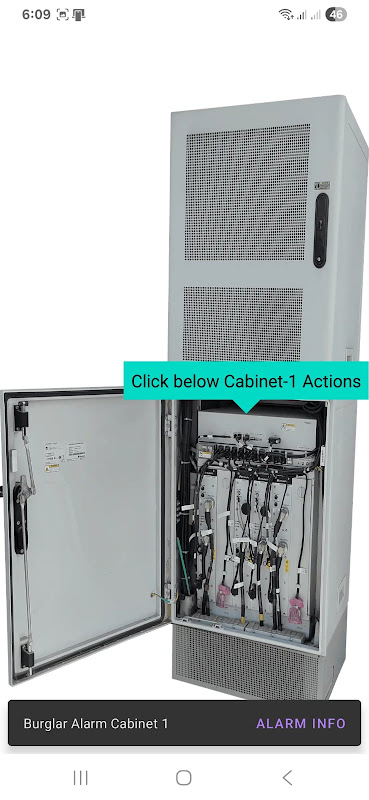
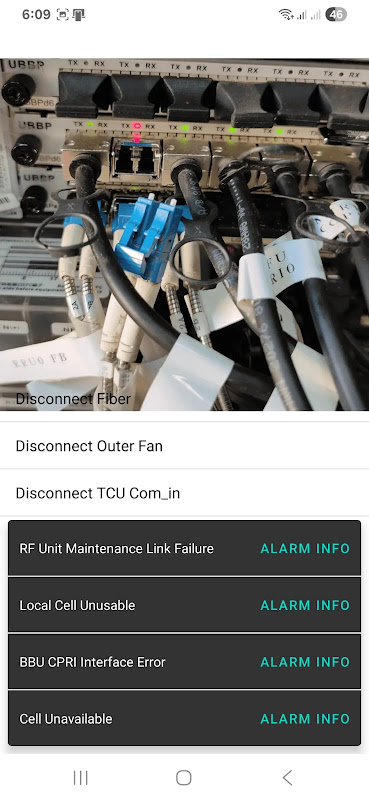
The technical documentation as well as transmission equipment guides come in the form of downloadable PDFs, so you won’t have to switch apps while troubleshooting hardware faults. The written manuals are supported by a video library which shows technicians how to perform tasks visually. In case where the technician wants to verify physical connections or cable sequence for uncommon configurations.
An actual restriction: Huawei, Ericsson and SIAE do not grant liability coverage. ZTE or Alcatel-Lucent hardware engineers will not find anything useful in it whether codes or manuals. So the audience narrows down to the teams operating networks around the 3 supported vendors.
On-device manuals and videos.
5 Quick Fix Tips:.
- Choose your equipment brand before looking through alarm codes to filter out irrelevant codes and speed your search during an active outage.
- Download PDFs during downtime: Load up on technical guides while on Wi-Fi so offline mode will give you complete functionality when you’re at the tower sites.
- Utilize corresponding video courses offered for the certification prep. The inbuilt training modules can help professionals develop and upgrade their competencies. People won’t have to buy a subscription to the vendor’s platform.
- Refer to preventive maintenance checklists – You breeze through the monthly service audits in systematic fashion. This is because you eschew manufacturer’s recommended inspection intervals, which are stored in the app.
- Refer to the alarm code reference before calling support – a self-diagnosis to determine if you need to escalate to vendor or restore yourself.
ZTE and Alcatel-Lucent gaps may hurt multi-vendor environments, but for teams working with just the supported vendors it puts everything relating to telecom maintenance training and diagnostic aids in one place that is ready for offline use. The 17+ age rating and sharing of data with third parties for metrics is something that’s worth a look in enterprise security reviews. On the other hand, the free price and ad-supported model makes it easy to grab for individual engineers and little contractors operating on small budgets.




No comments yet :(