
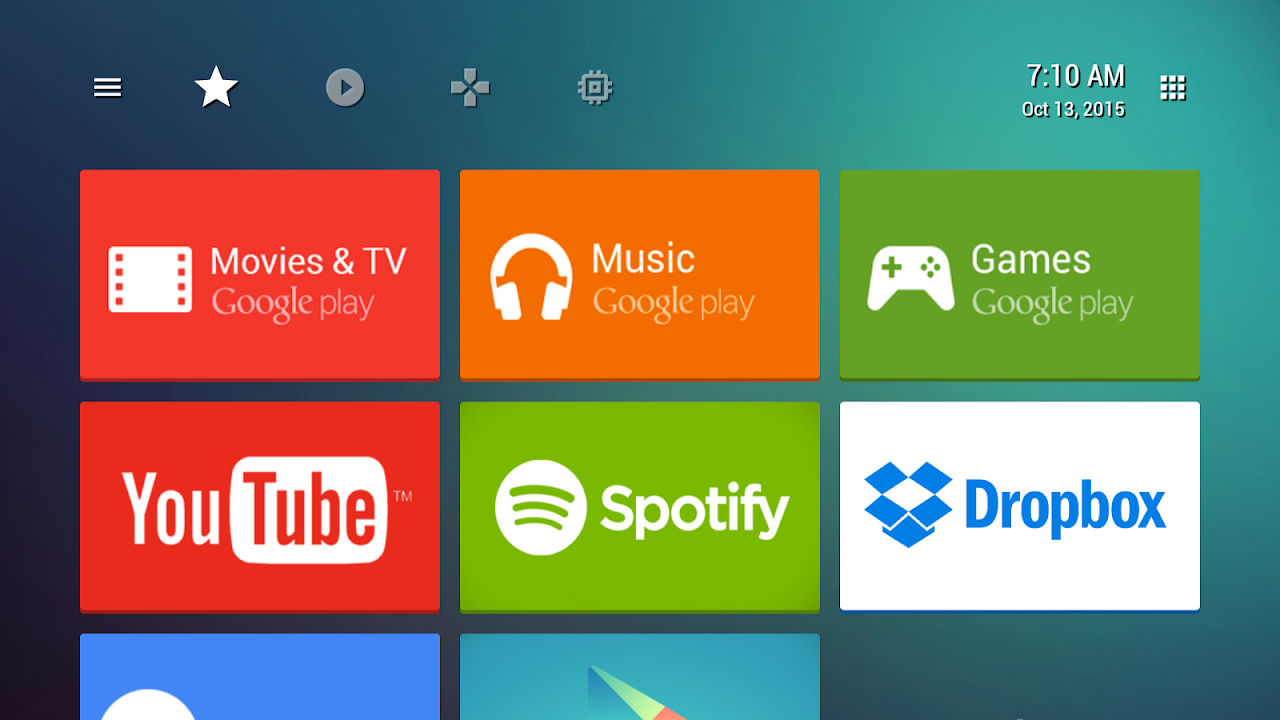
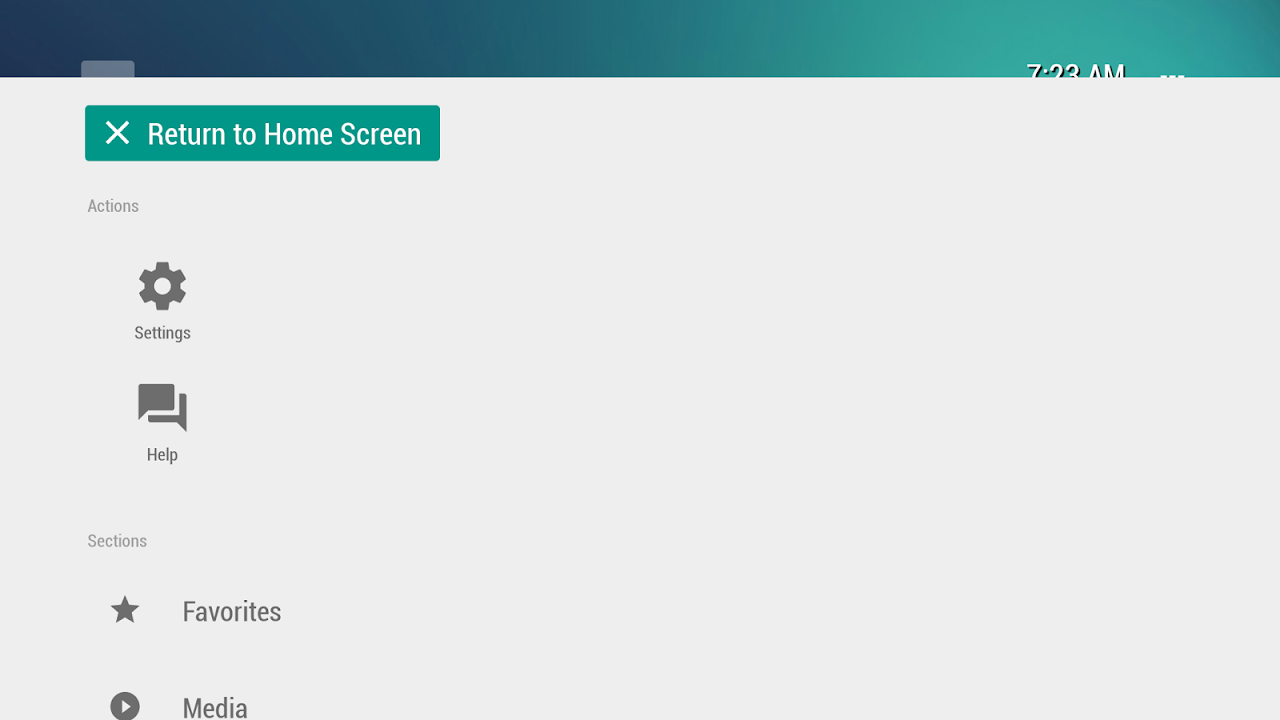
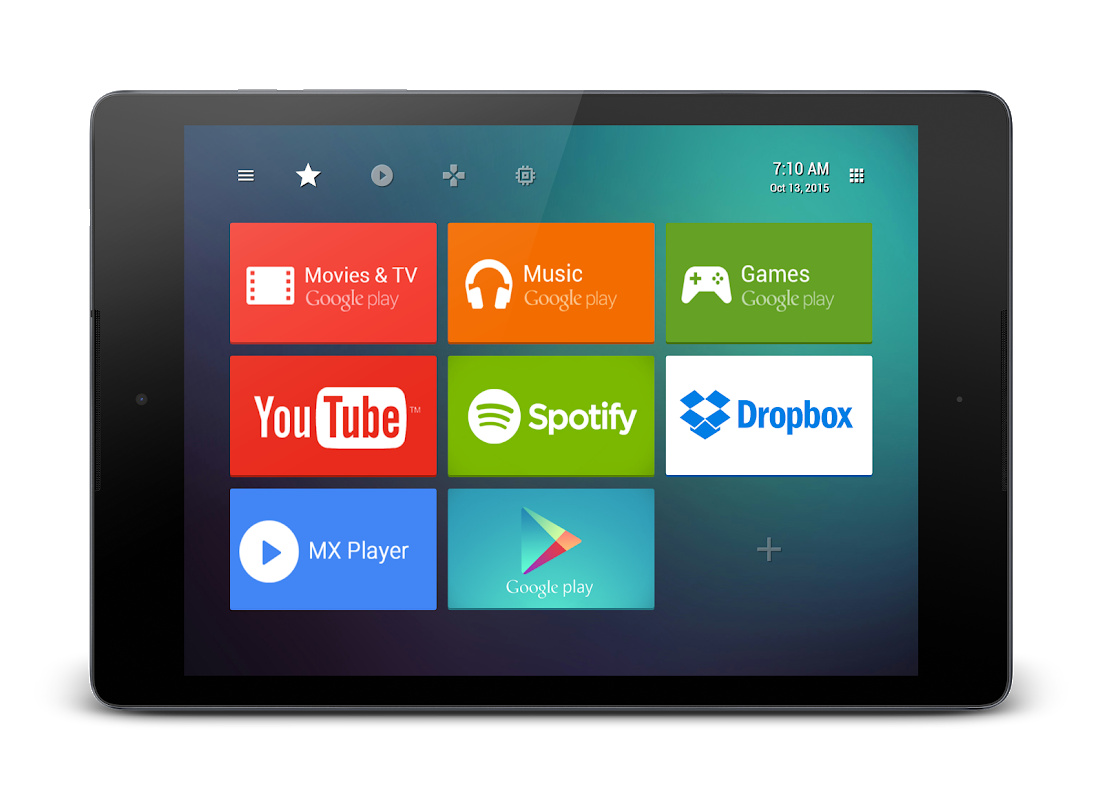
TVLauncher app is a Smart TV app that replaces the default cluttered interface with a clean and customizable home screen on your Smart TV, Nvidia Shield, and Chromecast with Google TV. Never lose your apps or scroll through endless rows of content again? That Leanback replacement gives you instant access to your favorite apps but also organized channels and categories that you are likely to use.
It can handle both TV and mobile applications without ads or in-app purchases. Even when your network drops, essential functions are still accessible offline, making it a reliable solution.
Find any app in one tap.
The integrated search allows you to find any installed app in seconds. No need to hunt through the menus anymore. The all-apps grid displays everything clearly, with larger icons visible even from across the room. The Smart TV Interface adapts for big screen devices but also works well with mini PCs.
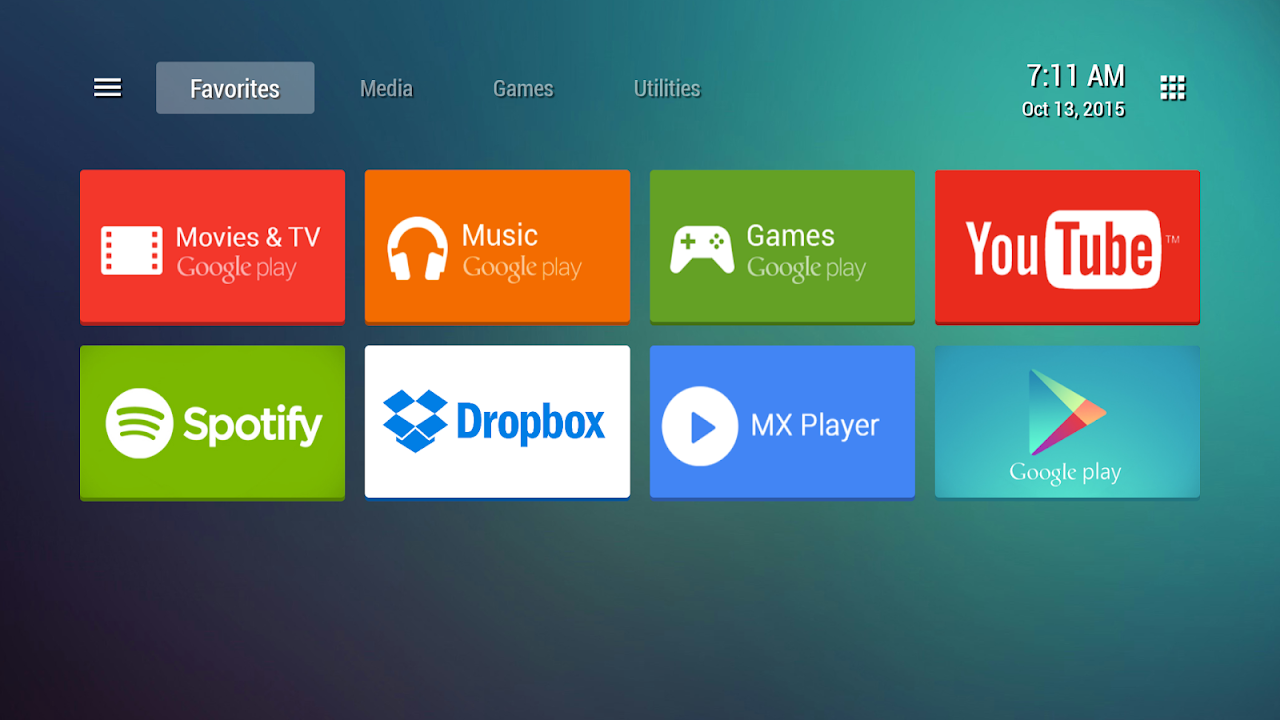
Groups make it possible to organize content logically: whether you separate movie streamers from game players, group utilities or make shelves for kids, the choice is yours.
The top bar of the launcher can be customized using the toolbar customization in the settings. There will also be clock and settings access. Ultimately, they will add a TV input switcher that will help you jump between HDMI sources without having to leave launcher.
Customize your launcher in seconds.
Edit card dimensions, borders and opacity based on your distance and liking. Want a minimalist look? Hide unused rows. Prefer visual flair? Video wallpaper that will animate as you browse your favorite websites.
The customizable channels gather your next-watch recommendations from Netflix, Prime Video, YouTube and VLC, showing all your recent picks and suggestions in one place. With this launcher, you have the option to set which services will appear and in what order (unlike stock launchers that push promoted services).
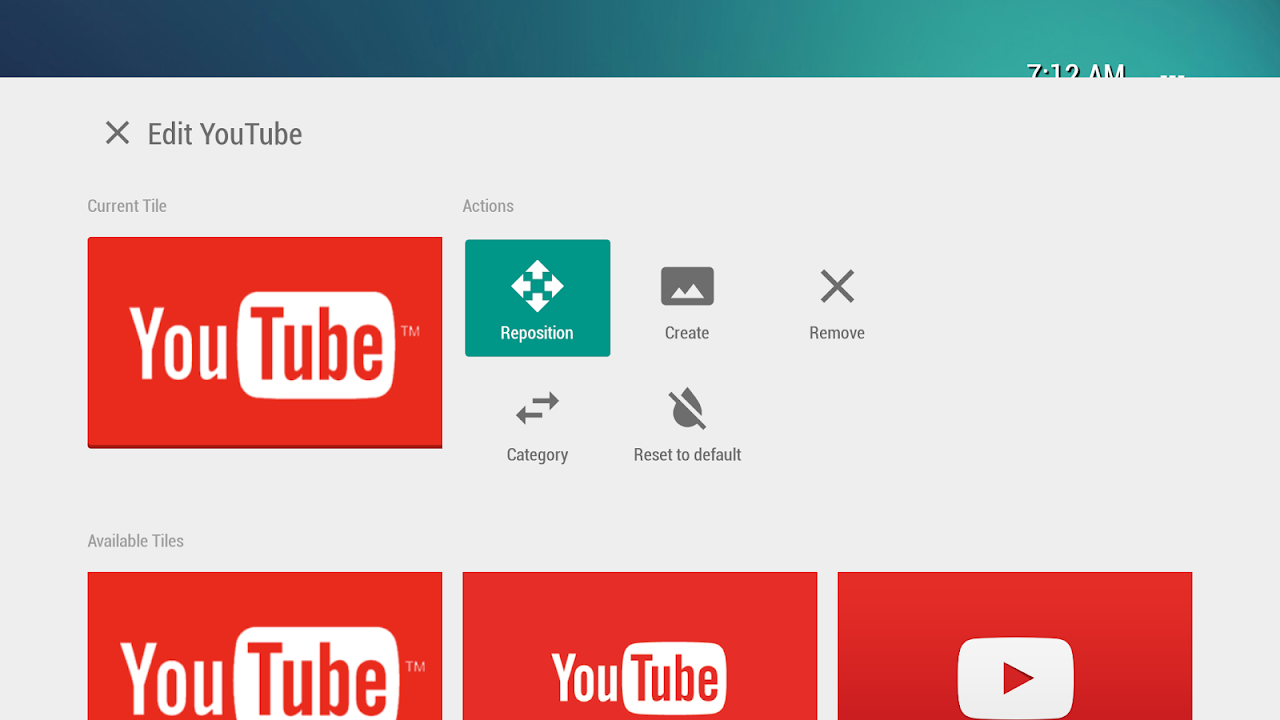
Rearranging is incredibly easy with remote control sound feedback for confirmation. You can change the positions of apps, hide built-in bloatware, and toggle on and off different categories as needed.
Favorites and channels, exactly where needed.
You can access your favorite apps anytime from anywhere with a favorites bar. The list includes all the standard TV apps plus a few popular mobile apps that have been ported to Android TV. This means that users can install these apps even if the default launchers do not allow it.
Watch-next channels gather unfinished programming or new episodes from across the streaming world, while custom content shelves pull similar programming together; documentary apps one row, music services another, educational content for children. No matter how many apps you install, the interface remains clean. Furthermore, transitions are smooth as the navigation was designed for the elderly and children.
5 Quick Setup Tips:
- Allow display-over-apps permission at first launch to enable all listing features.
- Use separate categories for streaming, games, and utilities in minimising clutter.
- Make your apps your favorite as they will be the first ones to display whenever you restart your app.
- Test wallpapers on lower-end devices. Static wallpaper eases your device.
- Change the size of card based on the distance from where you view the icon.
Get TVLauncher to replace your hefty default interface with a lightweight ad-free home screen. Endless customization for your home screen, one-touch access to your favorite apps. Customizable quick access for one-touch video streaming, game launching and TV input switching.




No comments yet :(