
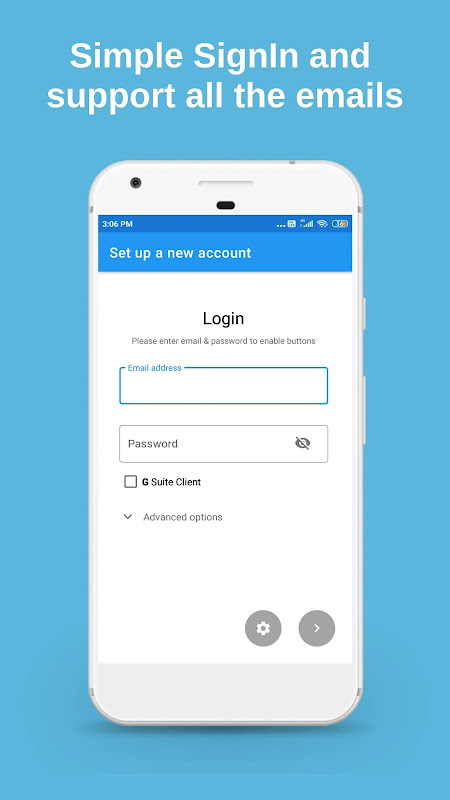
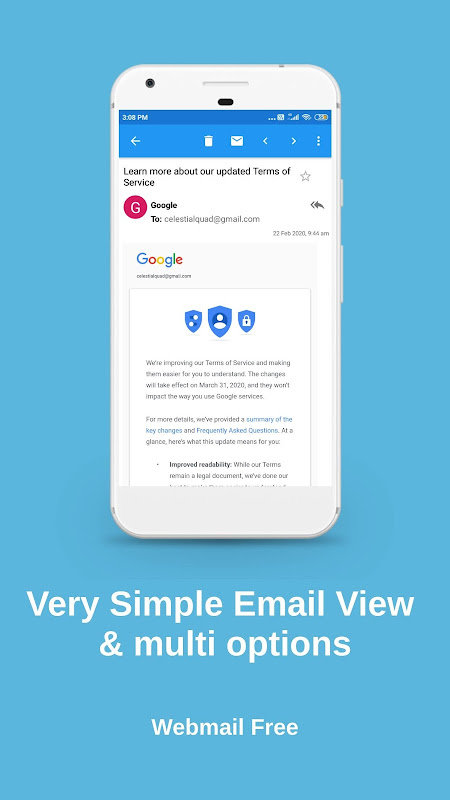
Webmail – App for Android helps you regain control of your inboxes effortlessly thanks to access to all of your Gmail, Outlook and Yahoo inboxes from one place. It all sounds great: one unified inbox solution with encryption first and push notifications. Yet, we think the full-screen ads that block the entire interface and trash folder that doesn’t work make the email client for Android useless.
Unify all your accounts in one app.
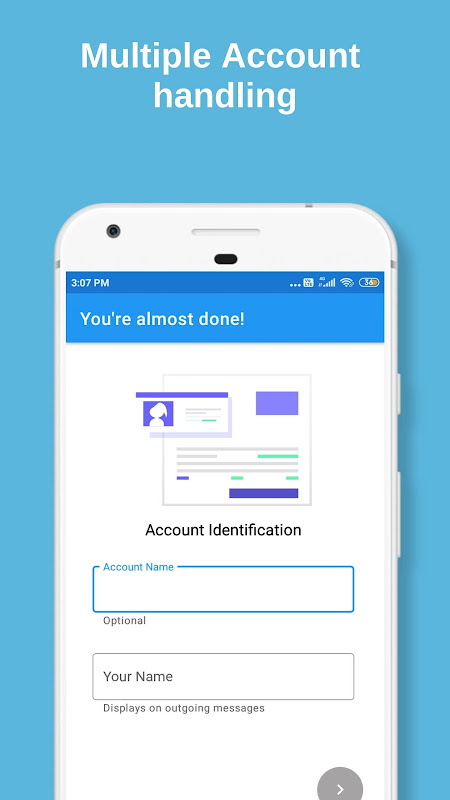
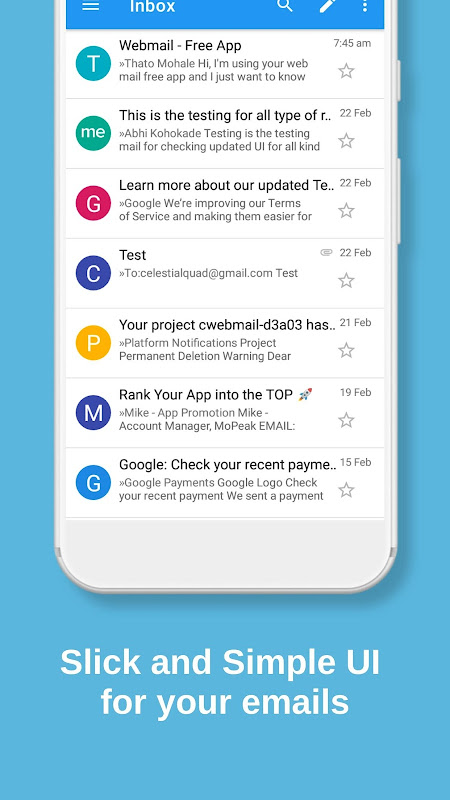
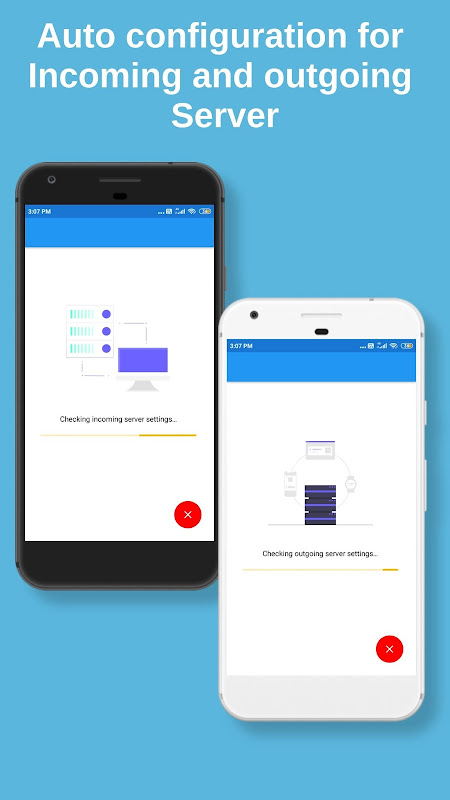
A Webmail is an interface that combines various email providers into one. So auto configuration connects your own account without creating the server manually. The unified mailbox collects all messages from all the services together. This app helps to organize the emails between folders as per preference with swipe gestures that you can customize.
We’ve many smart folders (like Inbox, Sent, or Archive) and intelligent filtering. Email from Unsubscribe e-commerce sites is sorted automatically. You can set up personalized signatures, activate bcc-to-self to keep track of sent emails, and utilize keyboard shortcuts for greater efficiency. The email attachment management system allows saving files or attachments directly to SD cards when internal storage fills up.
Using Dark mode and multiple theme options make the interface work according to you.
The email app encrypts your data in transit and protects it from interception. If you’re managing personal and business accounts, the folder structure will keep both separate, but accessible from one screen.
Push mail, instant sync, zero wait.
IMAP IDLE technology makes use of push notifications without constant polling. As soon as a message reaches your server, it is there, therefore, this push notification email service is reliable for timely messages.
All accounts are updated simultaneously in the background by the sync engine. You will not waste time refreshing one inbox at a time and waiting for scheduled to check. Emails from connected services like Gmail and Outlook arrive in seconds.
However, ads in full screen block our experience when opening emails. After closing the advertisement, you may need to often reopen the app just to see your message. Emails often mark themselves as read when you ignore their distractions, making you wonder what you’ve opened.
Find and act on mail in seconds.
A quick search by sender, subject or content brings up messages on all accounts. The filter sends newsletters, receipts and important ones to folders right away without manual sorting.
But critical functionality breaks down with deleted emails. When you delete messages from your inbox they don’t go to trash. They simply go missing. The folder for deleted emails sometimes shows loading but never comes up with emails to recover them.
Five tips for quick setup and speed.
- You should activate IMAP IDLE in settings for push notifications on all accounts.
- Set up swipe gestures to archive, delete or move messages with a single swipe.
- Organize newsletters and promotional mails automatically using smart filters.
- You can create specific signature for each account you deal with.
- Enhance your navigation speed with keyboard shortcuts in Gmail.
With a 3.08-star rating from 3,400 users, it’s clear your ad placement and trash folder failure are annoying people. These are dealbreakers that cripple otherwise decent email management options.







No comments yet :(