
Whats Clone – Multiple Account

- Updated
- Version 5.0.25.1031
- Requirements Android 5.1+
- Genre Apps / Personalization
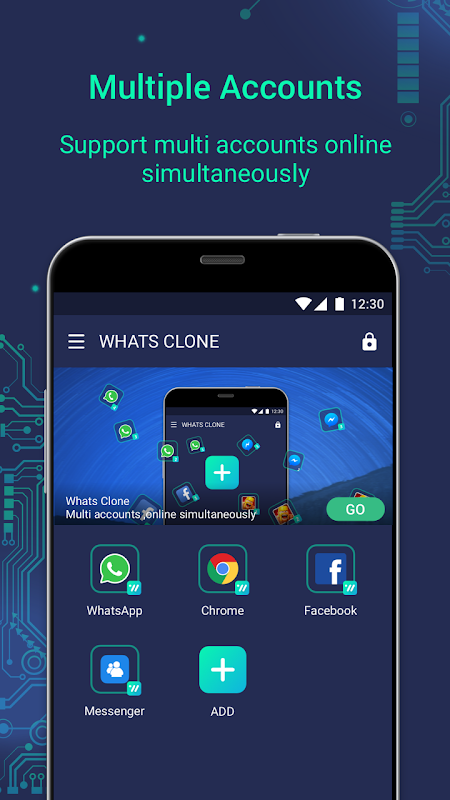
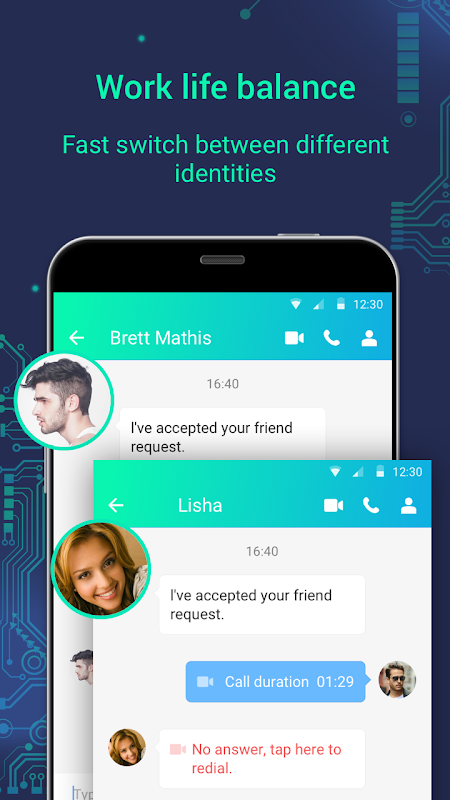
Multiple Account for Android solves a simple but frustrating problem: you have two WhatsApp numbers, but you only have one phone. It’s a hassle to keep logging in and out constantly whether you’re a freelancer with clients on the phone, small-business owner keen on keeping work and personal life separate, or someone in community groups and private chats. This app allows you to virtually create a space for run two WhatsApp on one device and make both active at the same time.
Run multiple WhatsApp accounts.
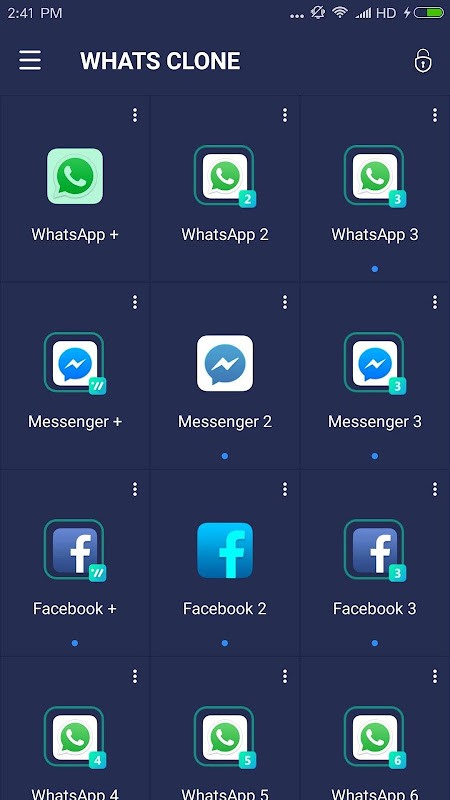
The core feature is straightforward. Whats Clone allows you to create a second version of WhatsApp and other applications having the capability to run additional WhatsApp clones and games. Users can log into multiple accounts at the same time due to the multi login feature. You can run two WhatsApp accounts live simultaneously and switch between them without logging out. This solution does not compromise your warranty or require root permission to use. The app is a virtual app container that keeps data separate, so your private messages don’t mix with business messages.
Facebook, Instagram, Telegram, and Snap are some social media apps you can clone besides WhatsApp. The app can be used on a huge range of platforms, making it useful for social media managers or anyone that requires separate profiles for work, a hobby or different groups of friends.
To create different identities on Facebook and Instagram without using different phones, you can clone accounts.
Quick switch between parallel apps.
Switching between your original and cloned apps is instant. Whats Clone has a dedicated interface that contains all of your dual space for messaging apps. Tap an icon, and you jump straight into that account. You can see the notifications for both events in your status bar so that you don’t miss any message from either. Some users rename or change the icon of the clone apps to tell them apart at a glance, which is useful when managing several accounts, timed.
The downside is performance. Running apps in a virtual container uses more battery and eats up extra RAM. Older or budget devices may experience lag or crashing from time to time. If Android’s battery optimization limits background operations, push notifications may be put on hold or not show at all. For time-sensitive work chats, this can be a real problem.
Keep personal and work data separate.
Each cloned app lives in its own sandbox. Your work-related WhatsApp contacts, media, and chat backups will be separate from your personal account. Whats Clone offers essential privacy features as well. You can lock cloned applications behind a PIN or fingerprint, and also hide it from your app drawer. It comes in handy if you lend your phone out once in a while or want an additional layer to secure certain business accounts.
However, privacy cuts both ways. Since the cloning app creates the virtual environment, it technically has access to everything happening inside it: messages, media, login tokens. It’s a trust problem, especially with sensitive meetings that are business- or finance-related. Some platforms may consider cloned usage suspicious and block your account temporarily.
5 Quick Setup Tips.
- To install Whats Clone, and give all the necessary permissions including storage and notification permissions.
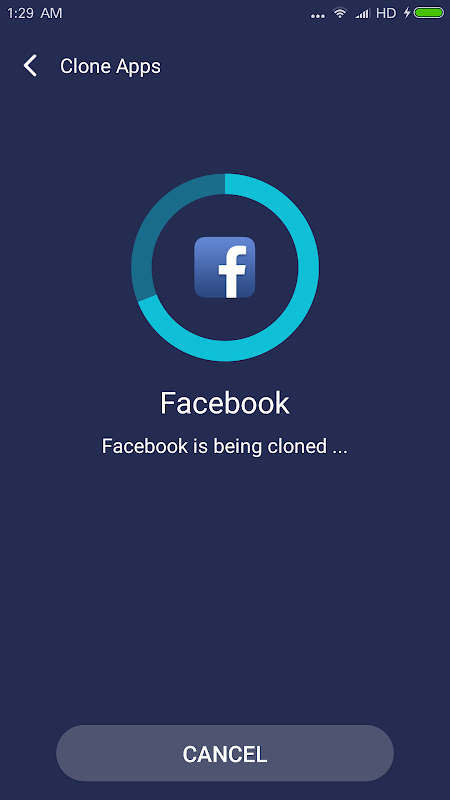
- To clone an app, open the app, tap the + button, and select WhatsApp (or any other app) from the list.
- Open the cloned application, enter your second number, and verify it via SMS or call.
- To get notifications for both accounts, allow notification access in the Android settings.
- Set a PIN on cloned app under privacy settings to lock your work data.
Whats Clone uses a freemium model. Basic cloning is free but includes ads. When you make purchases in the app, you’ll be able to unlock more clones, view ads, and enjoy premium privacy features. With the likes of Parallel Space, Dual Space, and App Cloner that offer almost identical functionality, it’s really down to the interface, price, and more.
This is an app that is the perfect Android multiple account manager for anyone with a need for two or more messaging or social profiles on a single phone. It may affect your battery life and stability; also, you would be compromising your privacy when you are running third-party apps in a foreign space.




No comments yet :(