
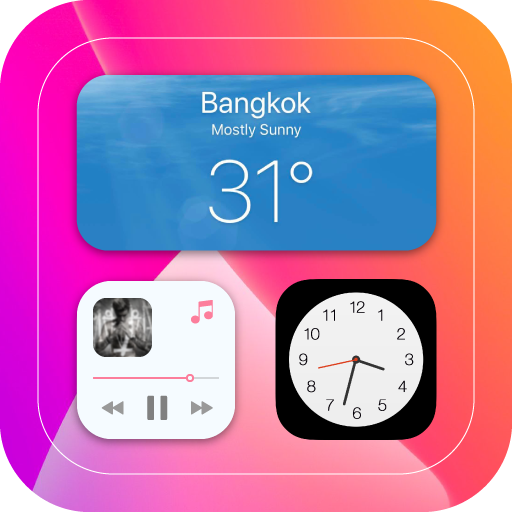
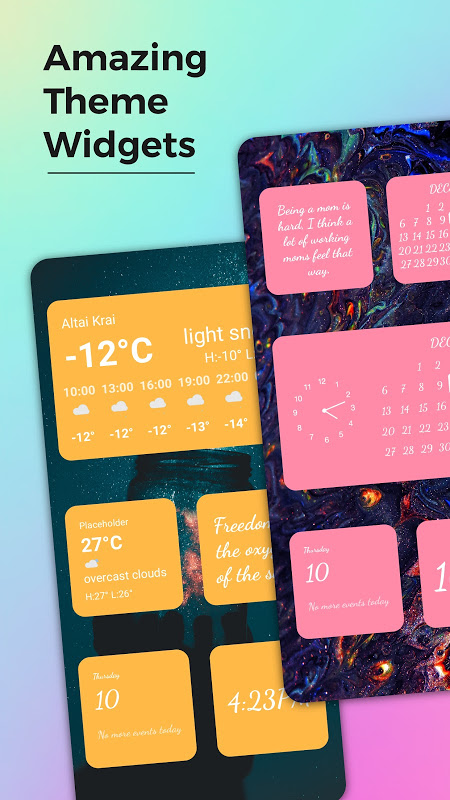
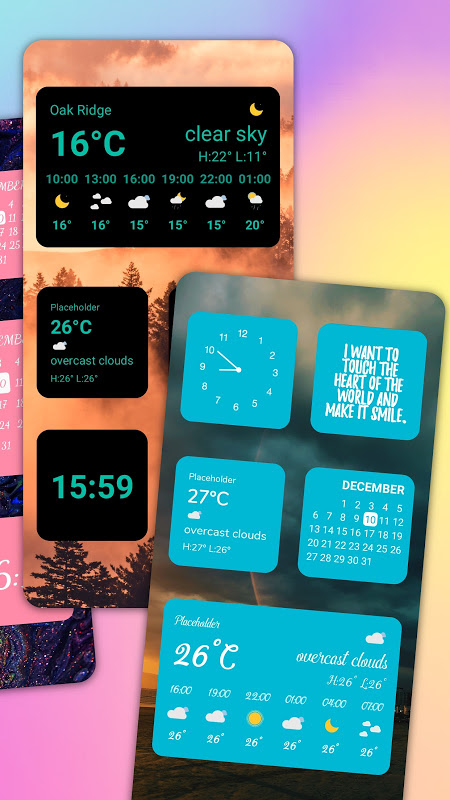
Widgets iOS 14 is a launcher app that uses iOS 14 home screen widgets on your Android device.
This app is designed for users who like the design language of the iPhone widgets but don’t want to modify their Android system.
Unlock secret iOS widget layouts.
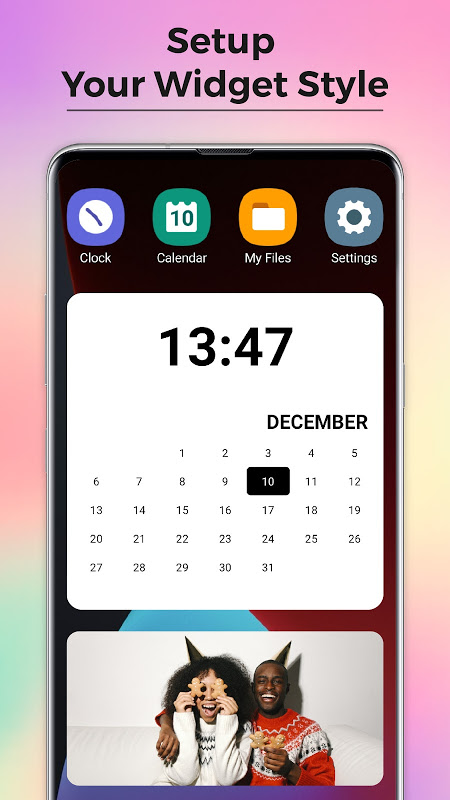
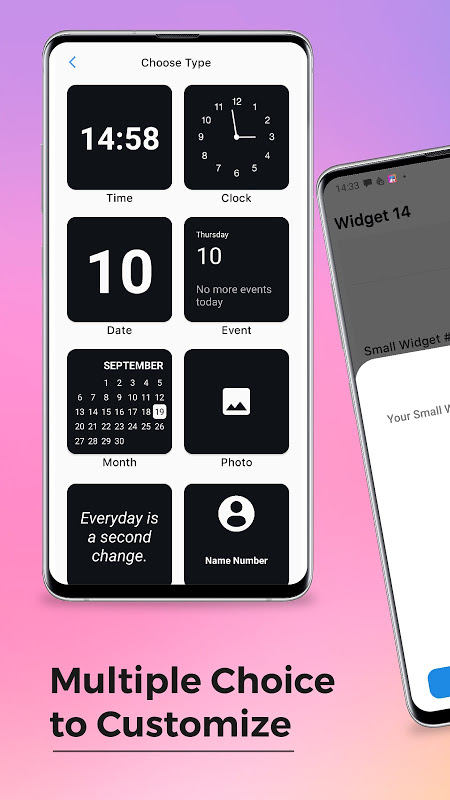
The app offers ready-made templates that mimic Apple’s widget system. You get access to clocks, calendars, weather displays, system info panels, etc. All these come in sizes that iOS 14 users will find familiar. You no longer need to sift through a ton of generic widget apps. You will get a curated selection made just for that iOS 14 homescreen layout everyone wanted after the announcement.
The standard Android widget picker integration, makes it very powerful. To add an iOS style calendar widget or battery monitor, long-press on the home screen and select from the widget catalog. You don’t need to configure anything, and it won’t conflict with your launcher. Just place it as you would any other Android app on the system.
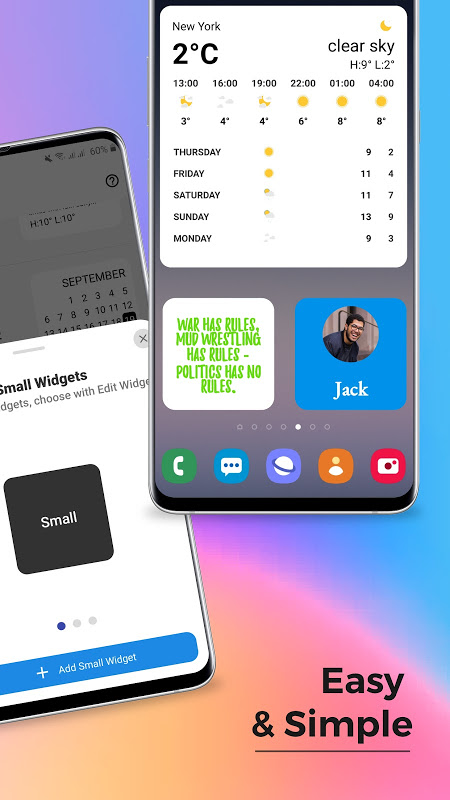
Combining multiple widget types brings you the real benefit. Introduce a large clock widget at the top, then insert medium weather and calendar blocks in the middle row, and finish with small battery and date tiles at the bottom of the home screen.
This layered approach gives your smartphone that distinct iPhone home screen customization look, while still receiving Android app drawer and navigation gestures.
Customize fonts, colors, and backgrounds.
The configuration interface not only allows you to drop widgets onto the screen but also customize just about anything visual. You can change the font families to the ones you like, change the color palette to pastel, primary and many more and change the background style from a solid fill to a gradient or semi-transparent.
This level of control allows your minimal iOS widgets Android set up not to look the same as every other user’s layout. Would you like a weather widget in dark mode with a clock in light mode? Configure each widget independently. Prefer a specific shade of blue for calendar events? Adjust the RGB values directly.
A theme pack consists of related looks across multiple widget types to create a uniform look. The packs usually feature matching wallpaper, icon suggestions and more in order to allow for an iOS style battery widget ecosystem.
Multiple widget instances with unique setups.
The app allows multiple replicas of the same widget to be set up with different configurations. Include three clock widgets indicating various time zones, or generate distinct calendar widgets accessing professional and personal calendars. Many iOS 14 widgets for Android competitors do not deliver this sort of flexibility.
Each instance has its own data source settings, refresh rate, and visual settings. Your morning commute weather widget might display hourly forecasts, while your evening one shows the week ahead; these both use the same iOS style calendar widget template but serve different purposes.
But many widgets updating all the time will drain the battery more than static ones. Android’s power-saving functions might postpone refreshes, causing information lag. You will find advertisements inside the configuration screens and certain premium styles and features require in-app purchases.
If you want to make your Android look like an iPhone, then the app Widgets iOS 14 is the solution you need. It will provide you with templates for your home screen.





No comments yet :(